Launch your server and take note of the IP address and Port number.

Start Satisfactory.
From the main menu, click on Server Manager.
In the Server Manager, click on Add Server.
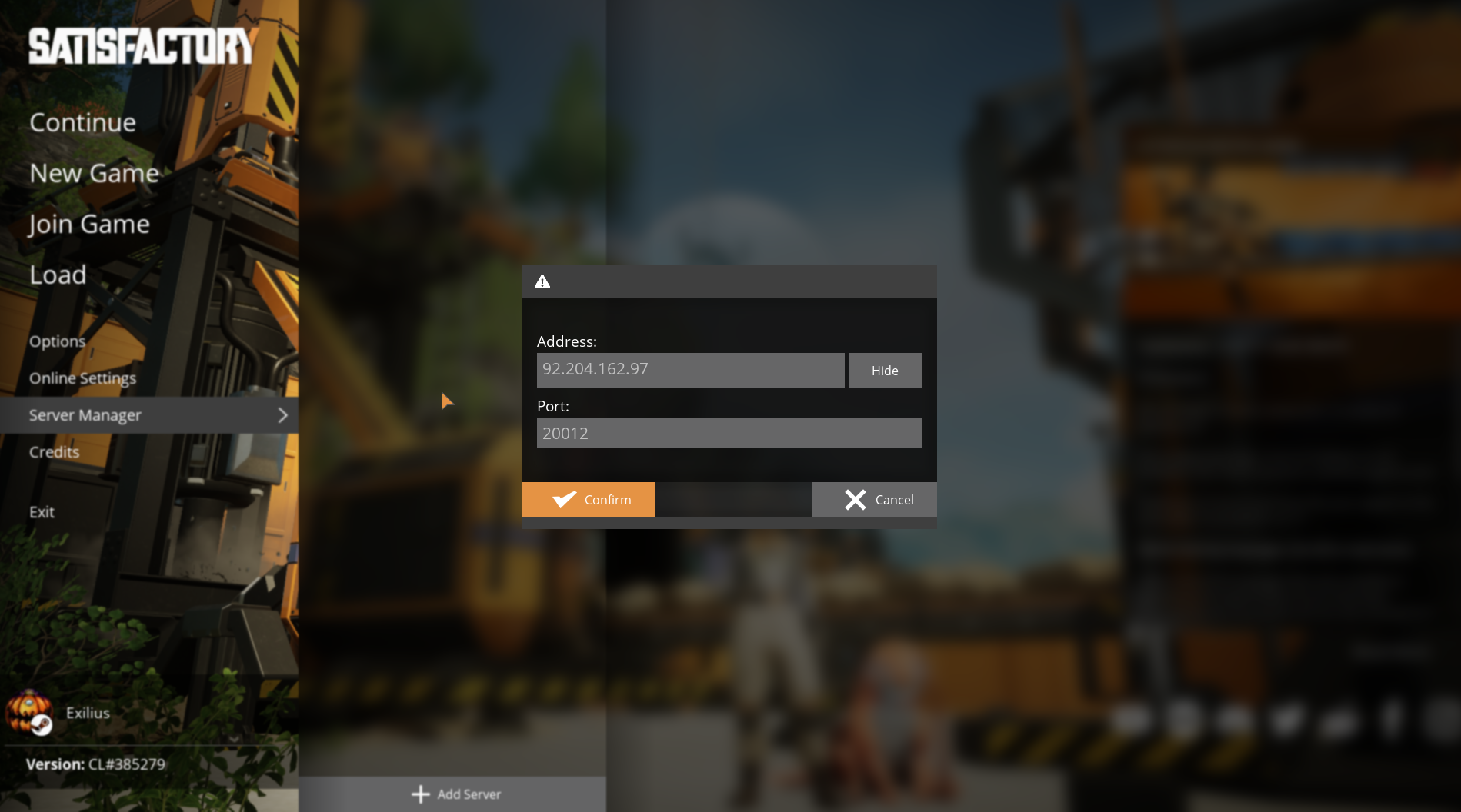
Enter your server's IP address and Port number.
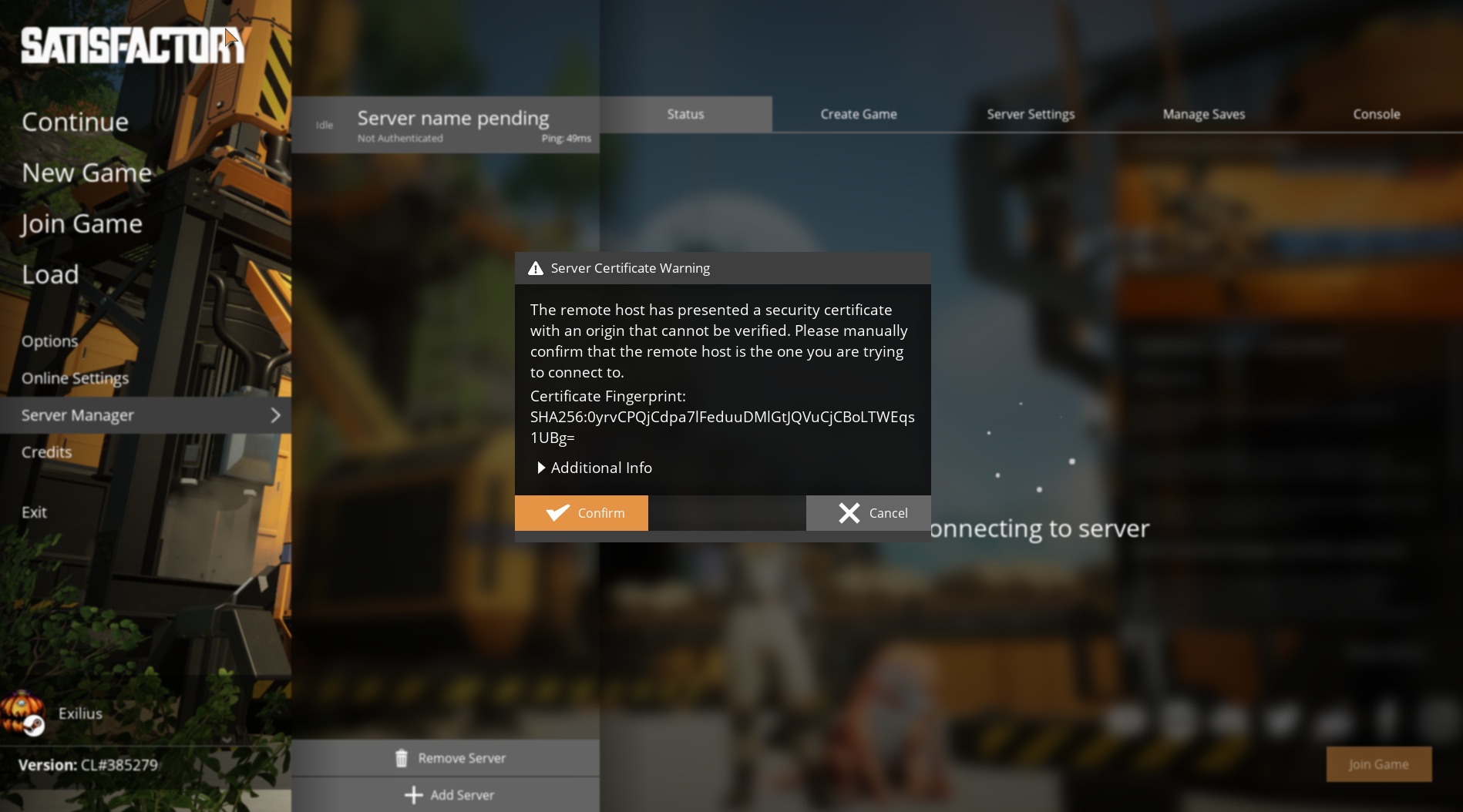
Accept any security certificates when prompted.
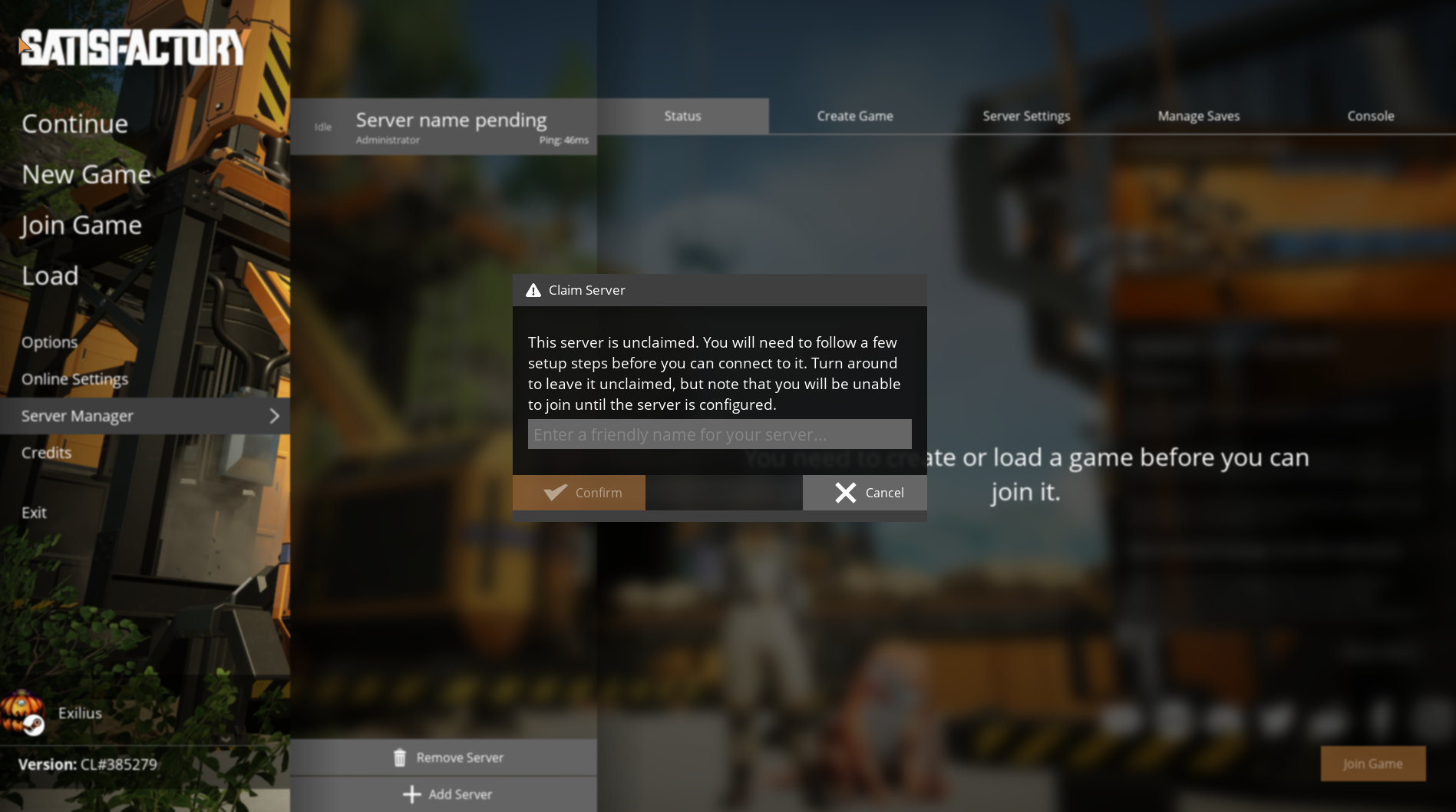
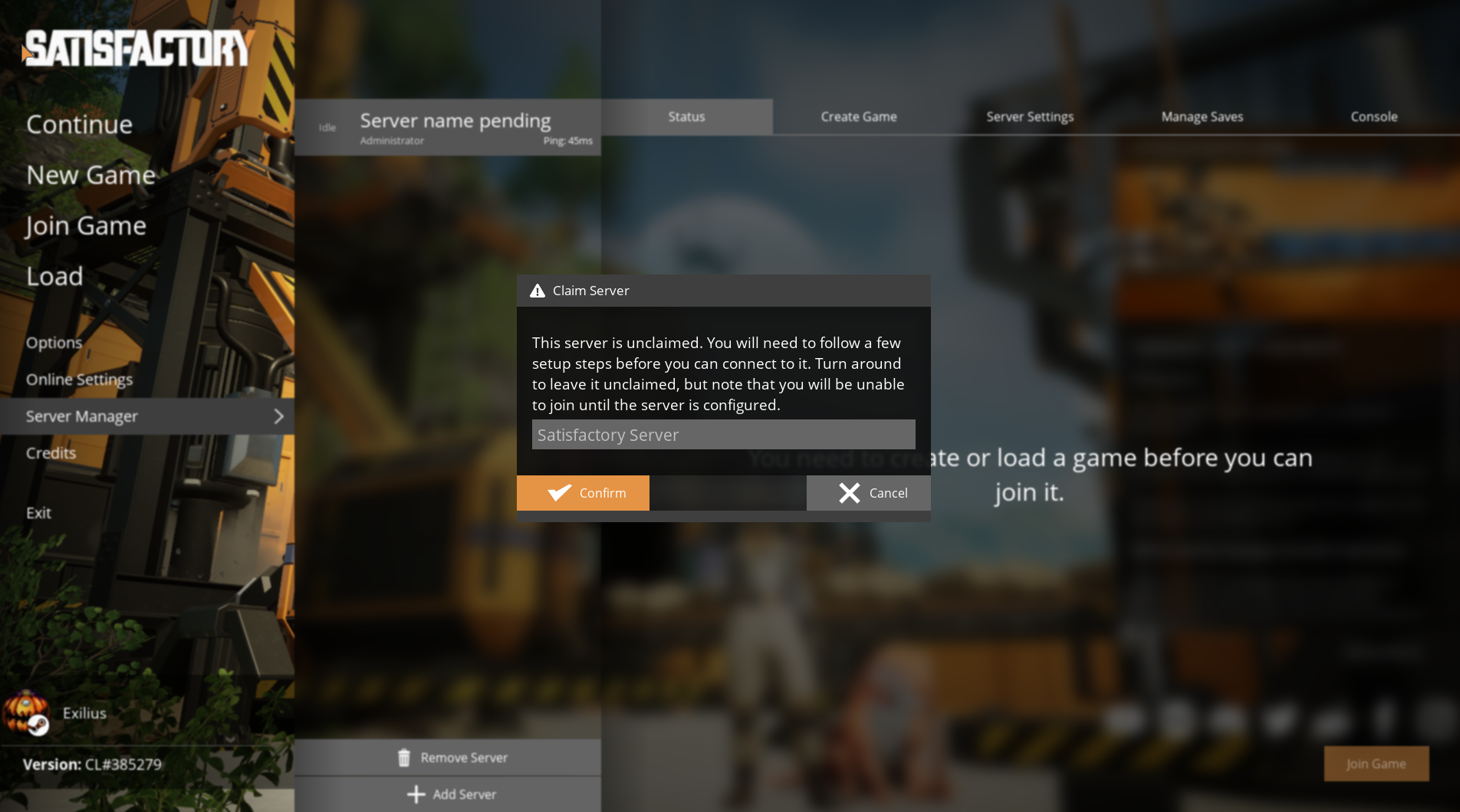
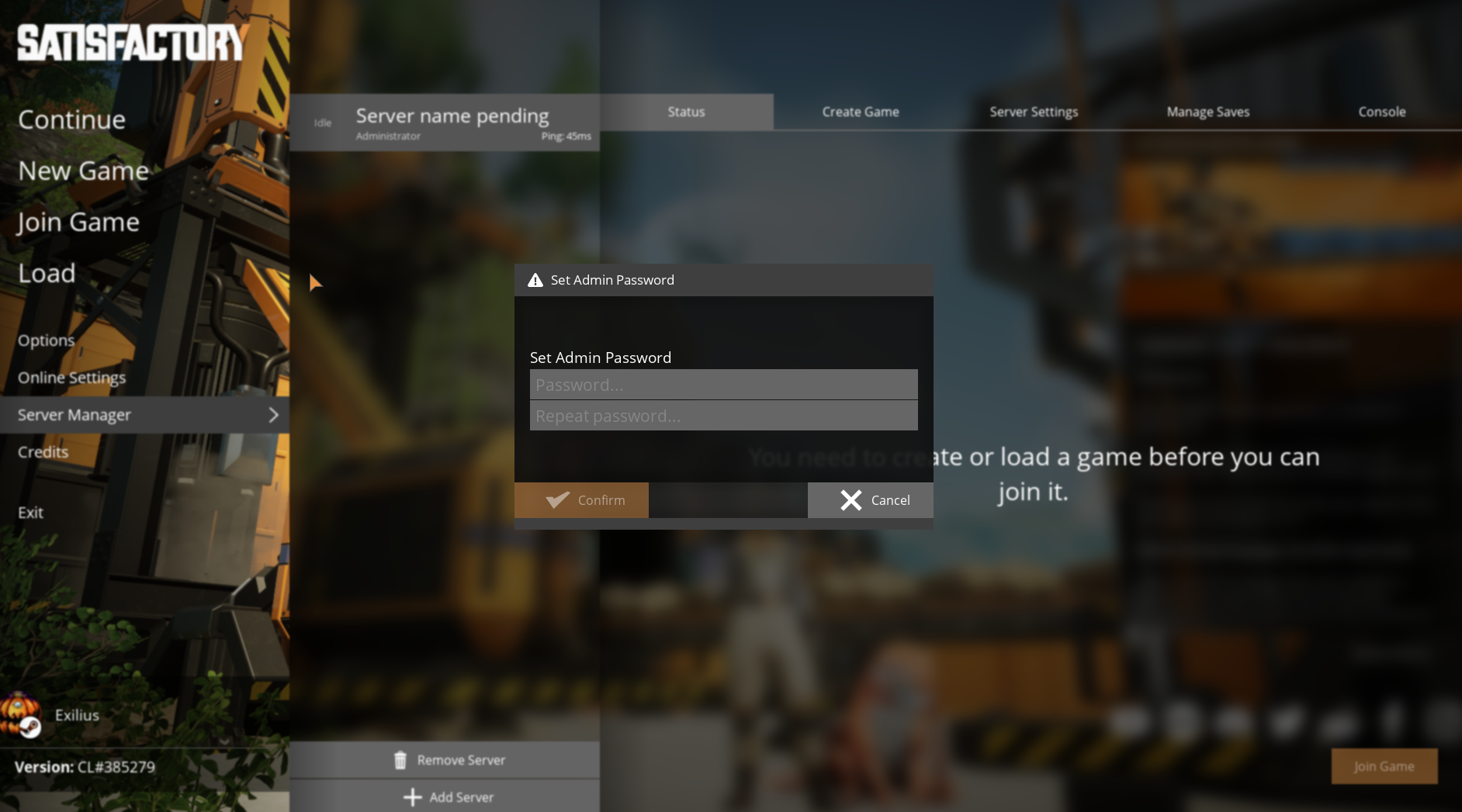
Once the server is added, you will have the option to Claim the server.
Enter a Server Name of your choice.
Set an Admin Password to secure your server.
Make sure to remember this password, as you will need it for administrative tasks.
You can either:
Create a New Game with your preferred settings.
Or Upload an Existing Save from your PC.
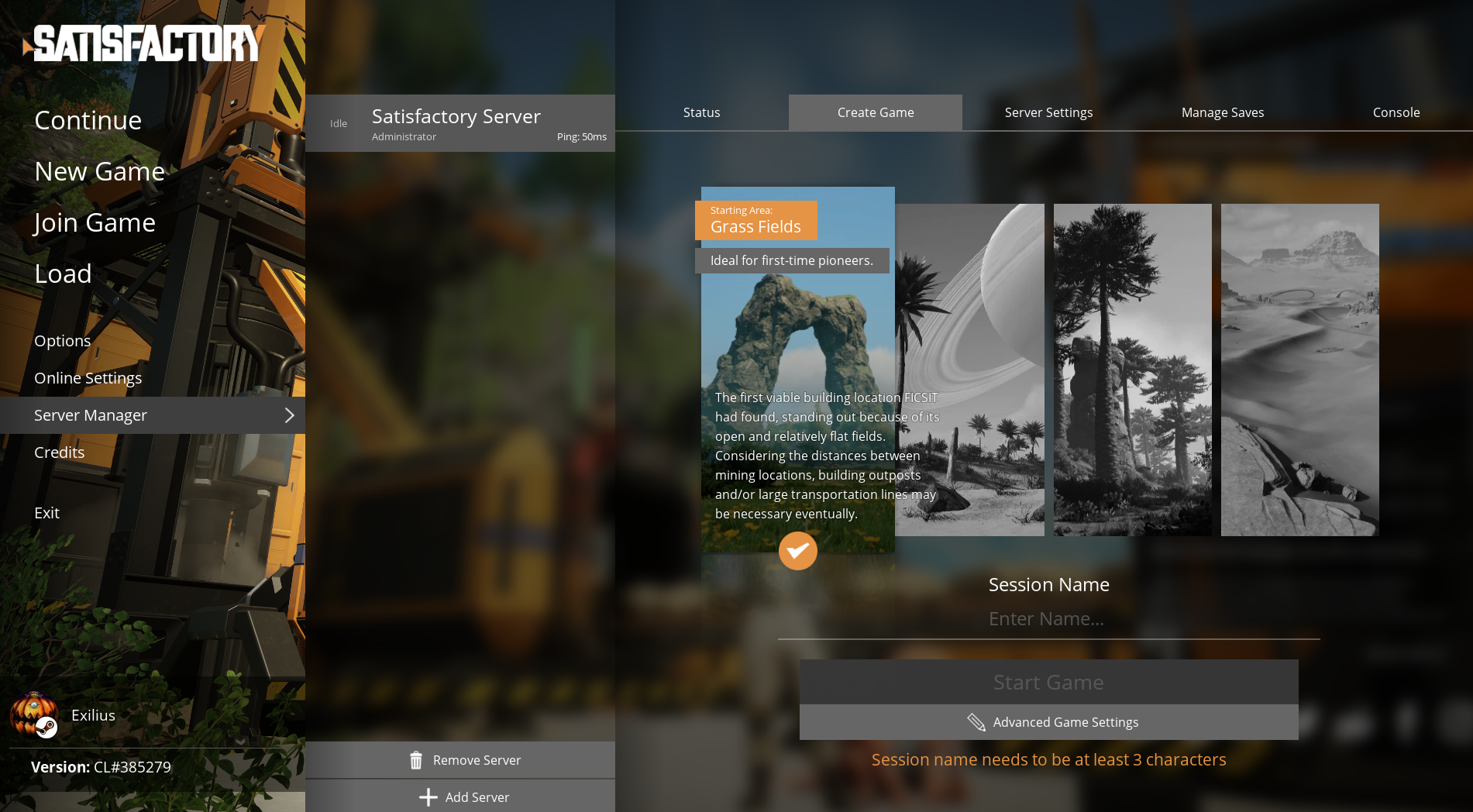
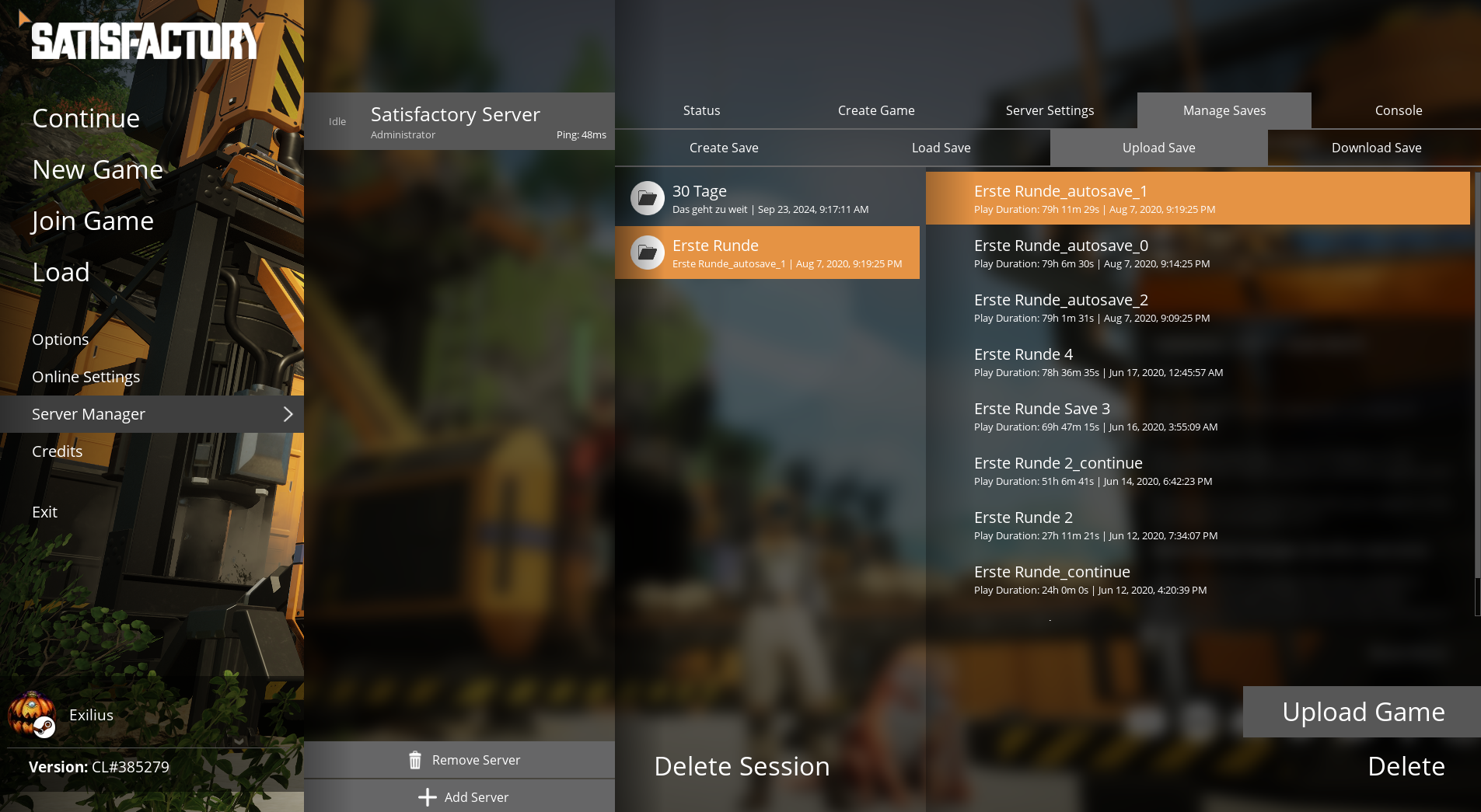
If you choose to create a new game, it may take a few moments for the server to generate the world.
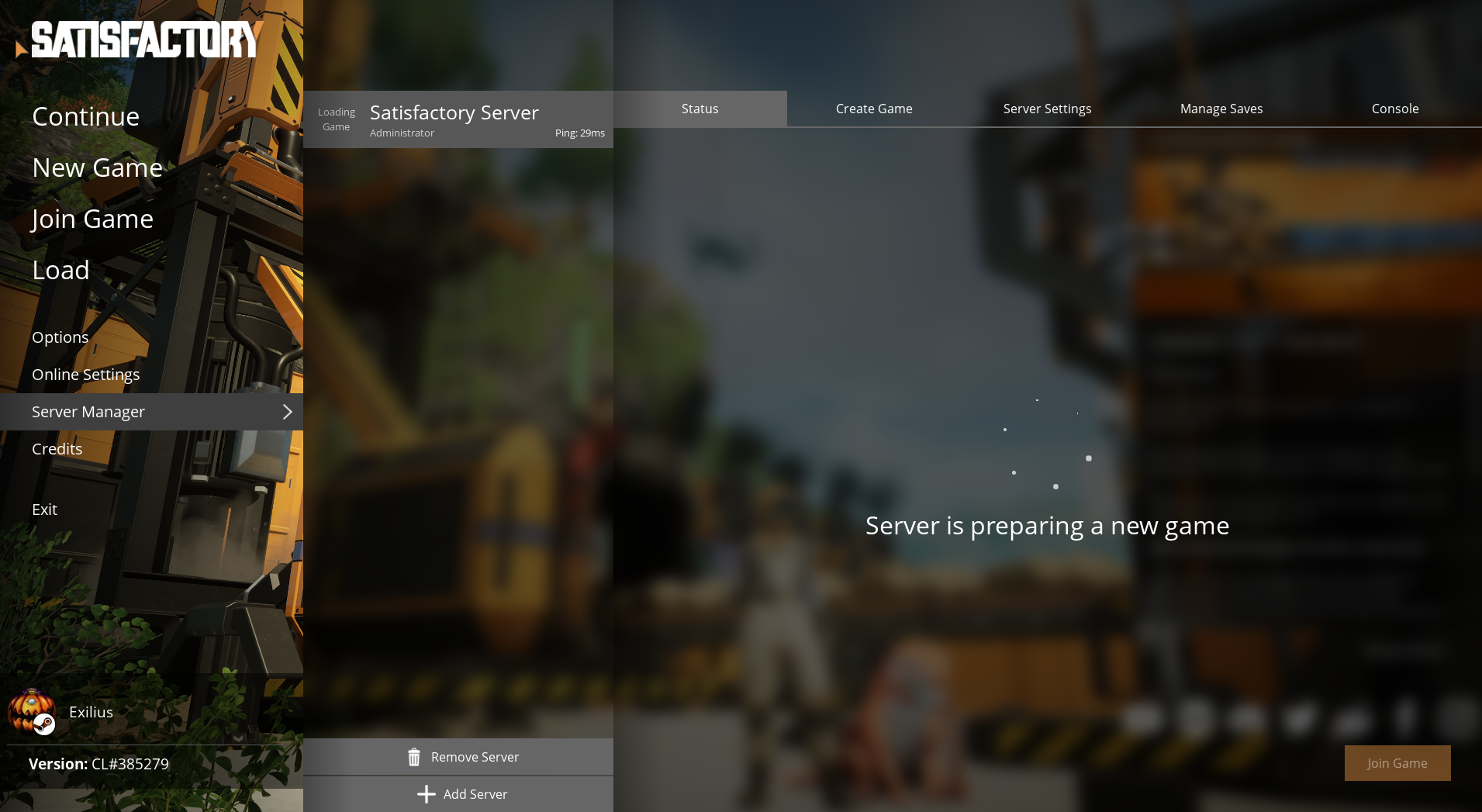
Once the server has fully loaded, click on Join Game to start playing.
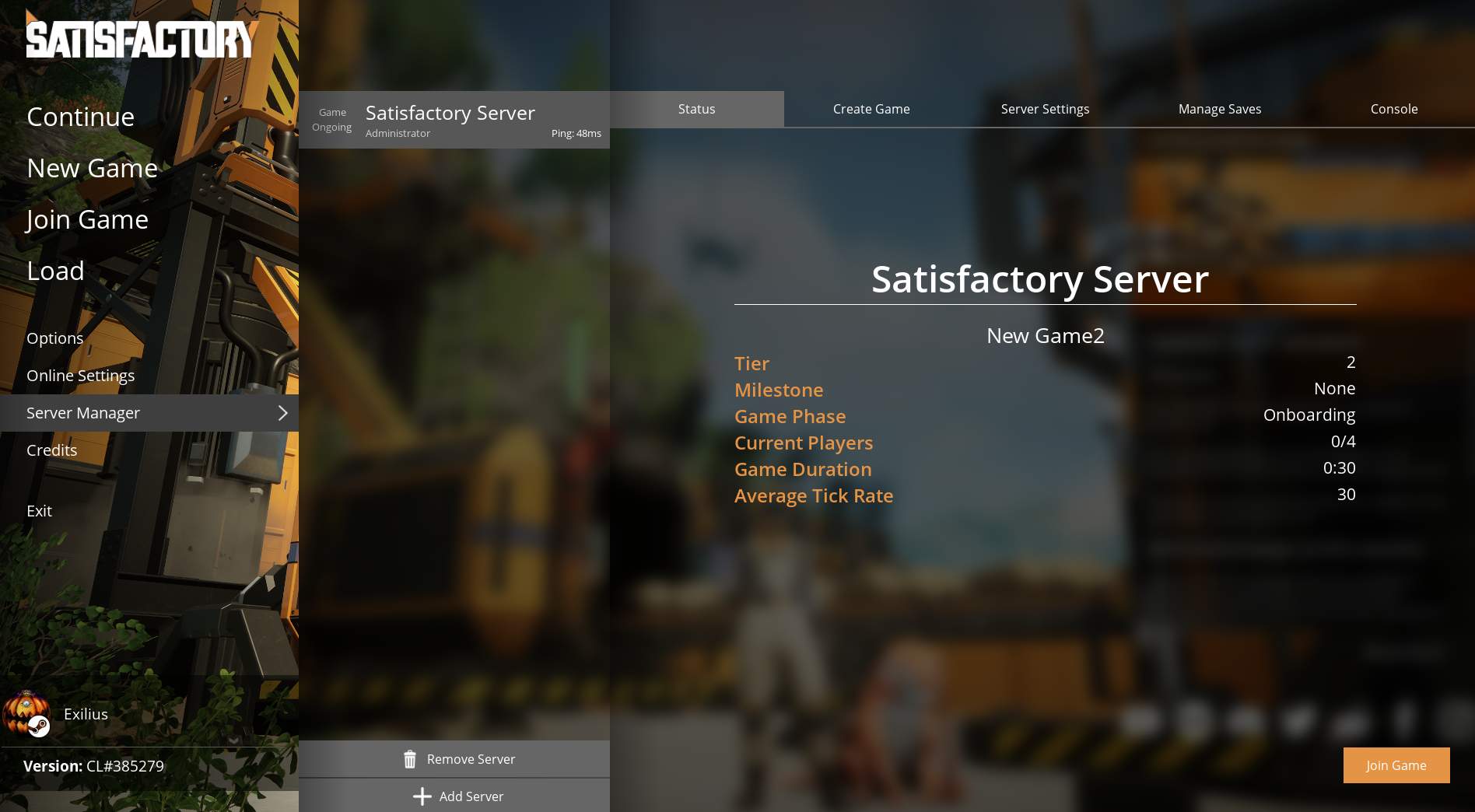
And that's it! You are now connected to your Satisfactory server.