Download the Satisfactory Mod Manager by following the official guide here: Satisfactory Mod Manager Guide.
Go to the Advanced tab of your server dashboard.
Copy the SFTP details and request an SFTP password

Launch the Satisfactory Mod Manager.
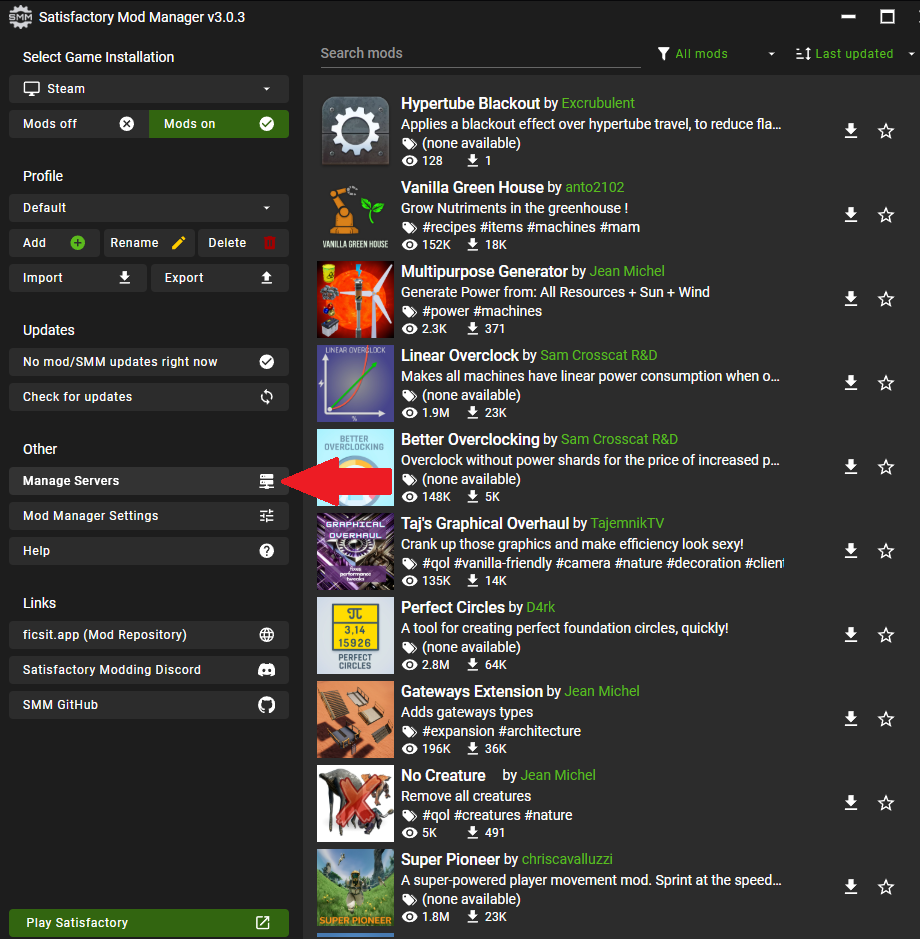
Navigate to the Manage Servers section.
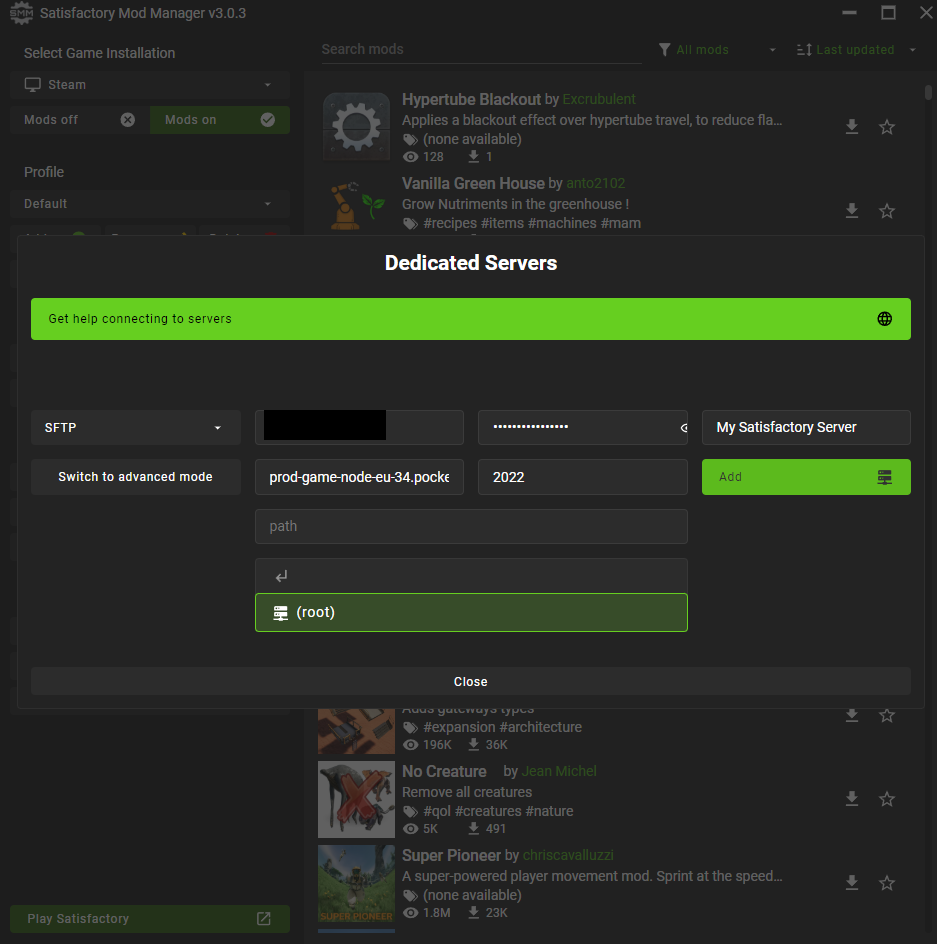
Enter your SFTP details in the Manage Servers section.
Click Add Server to link your server.
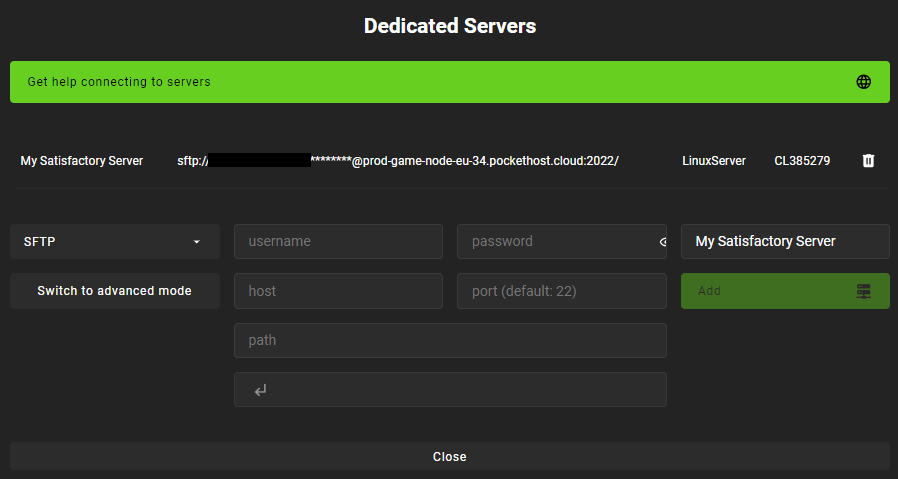
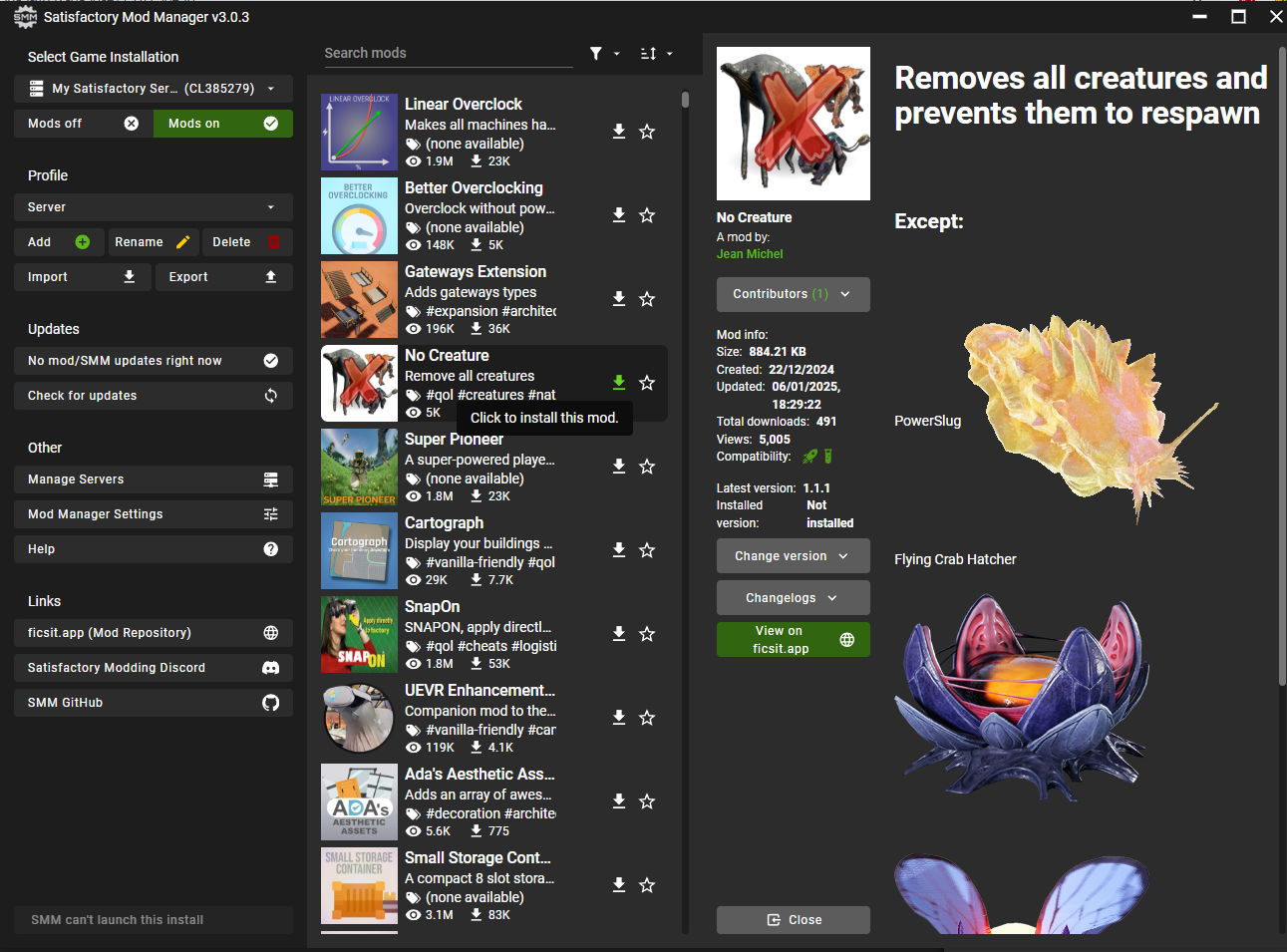
In the dropdown menu at the top-left corner, select your server as the Game Installation.
Search for compatible mods and select the ones you want to install.

Click Install to add the selected mods to your server.
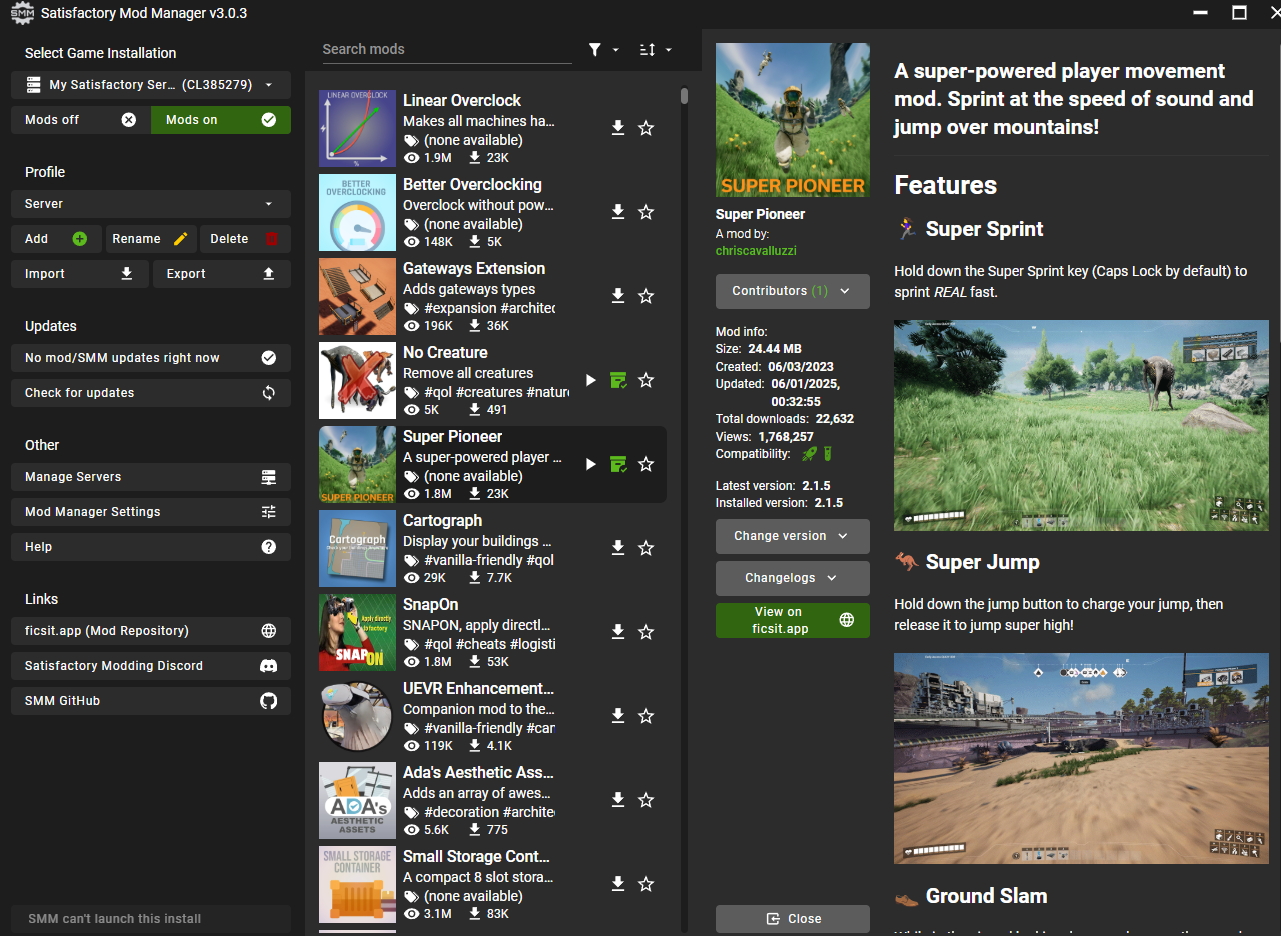
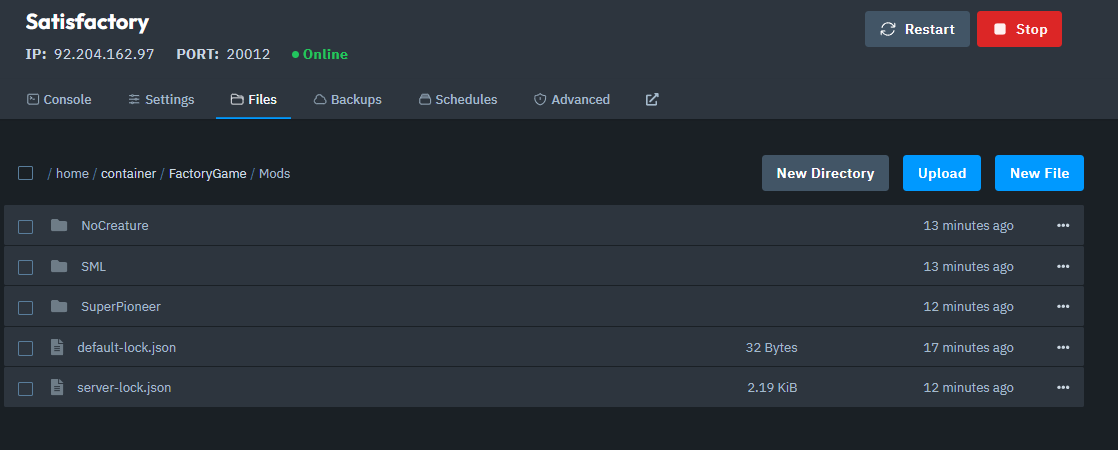
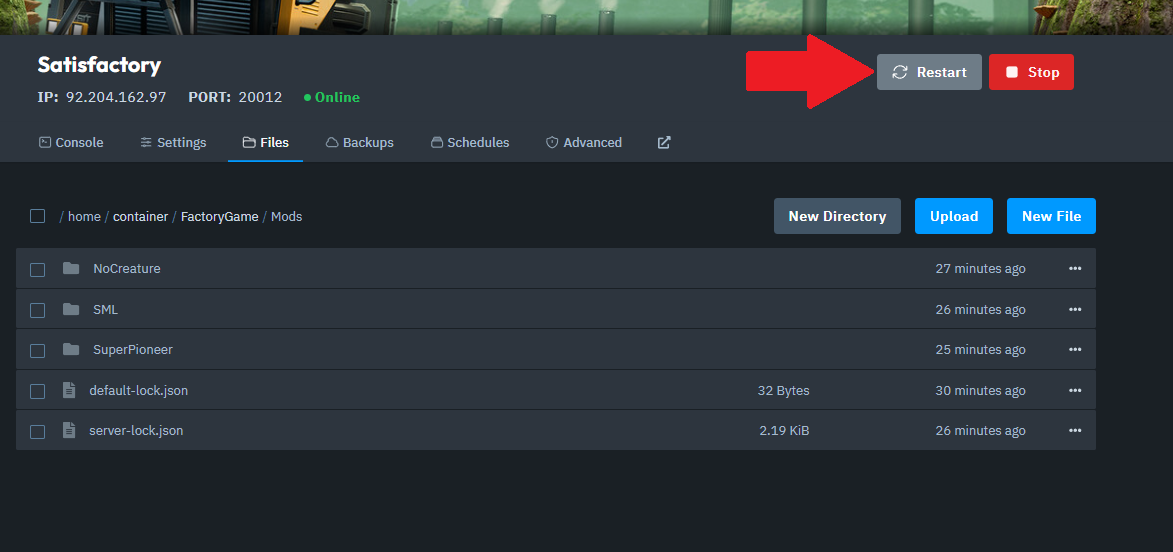
To double-check that the mods are installed, navigate to your server's directory and verify the files are in the correct folder.
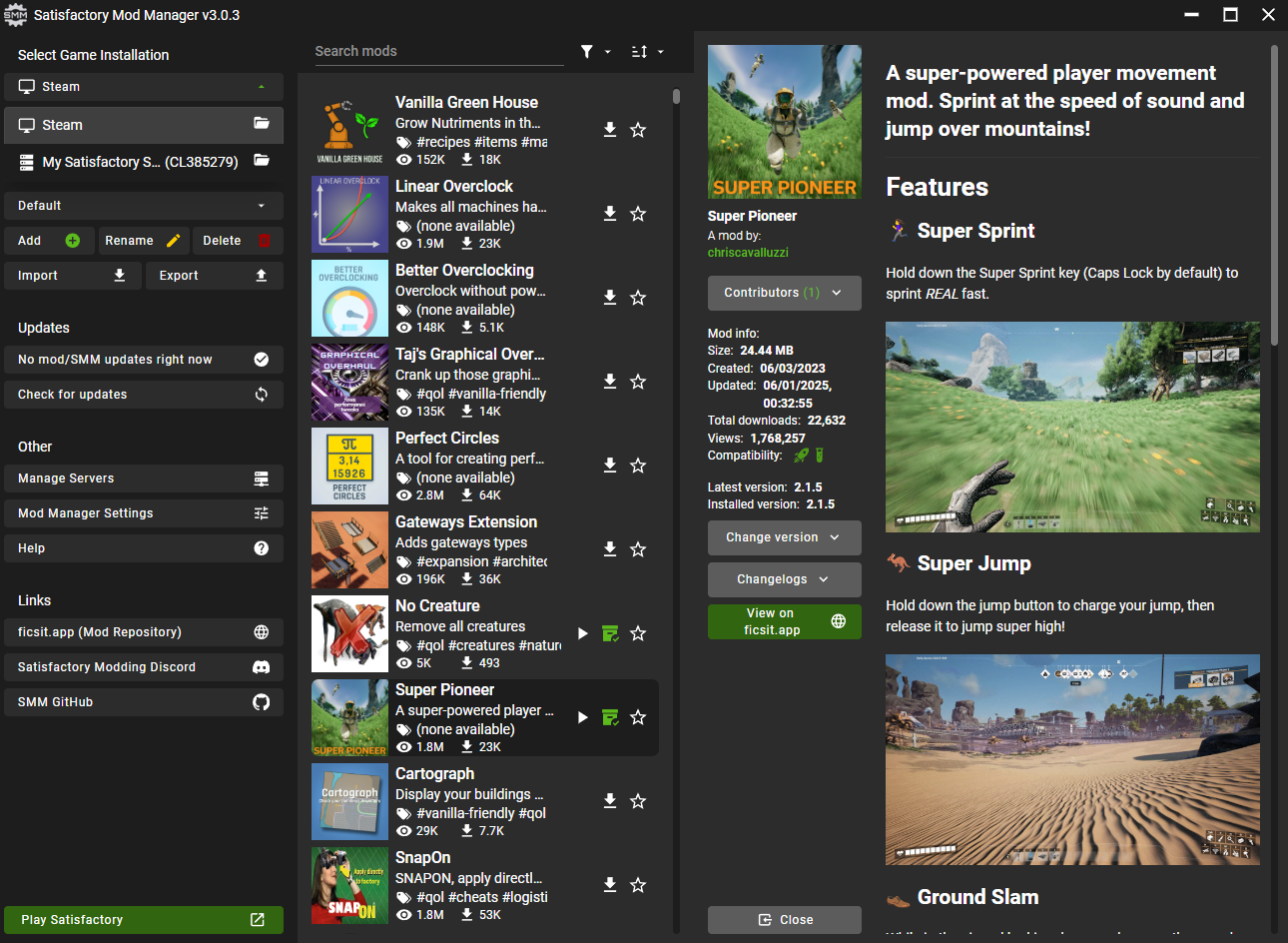
In the Satisfactory Mod Manager, select your game installation from the dropdown menu.
Install the same mods on your client to ensure compatibility.
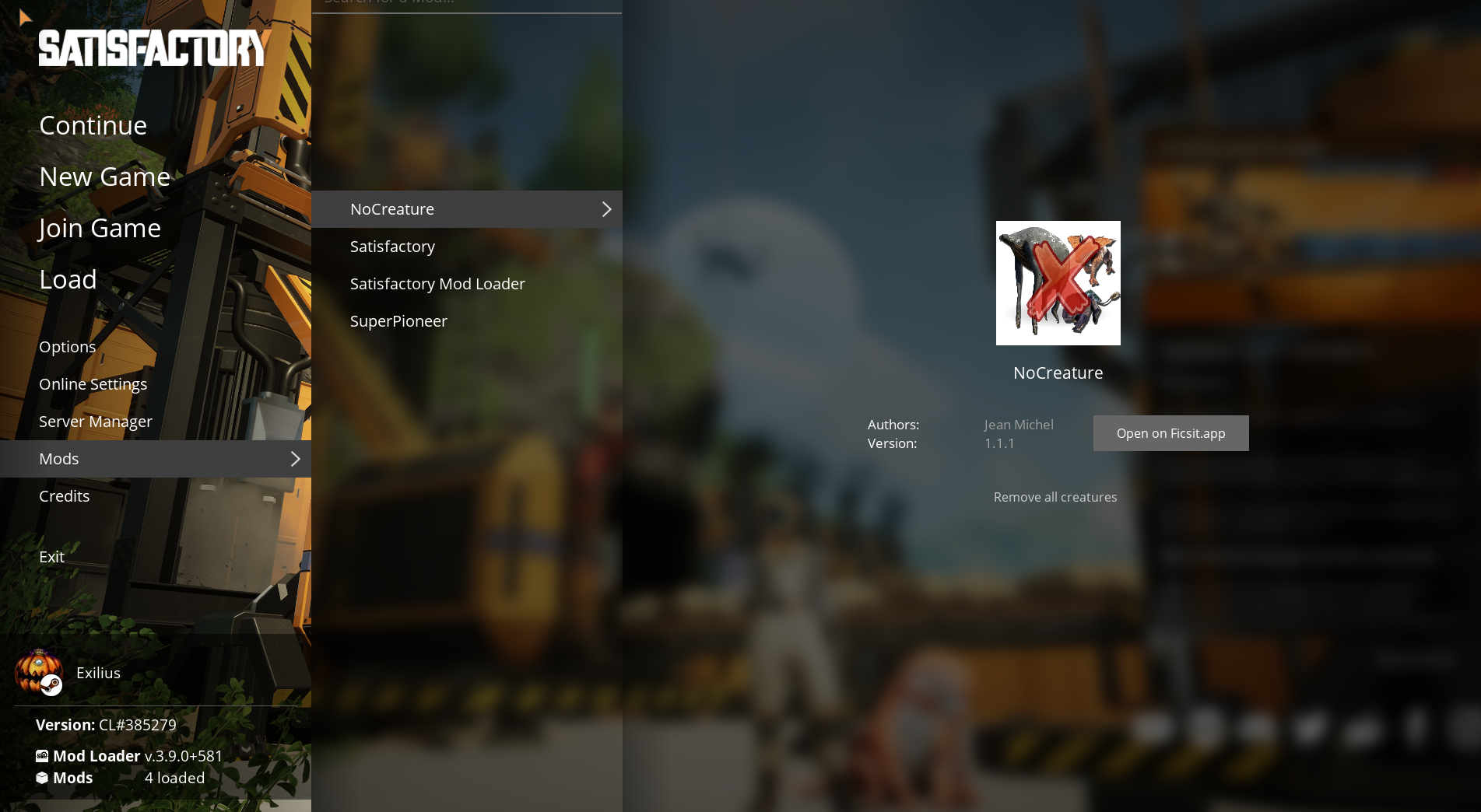
Launch the game and navigate to the Mods tab in the main menu to confirm that the mods are installed correctly on your client.
Go back to your server dashboard and click Restart to apply the changes.
Launch Satisfactory and connect to your server.
Ensure that the mods are working correctly.
And that's how you install mods on your Satisfactory server!