If Cloud Save is not active, your save file can be found in the following directory:
C:\Users\%username%\Saved Games\EnshroudedIf Cloud Save is active, your save file will be in your Steam install directory at the following path:
Steam\userdata\YOURSTEAMID\1203620\remote\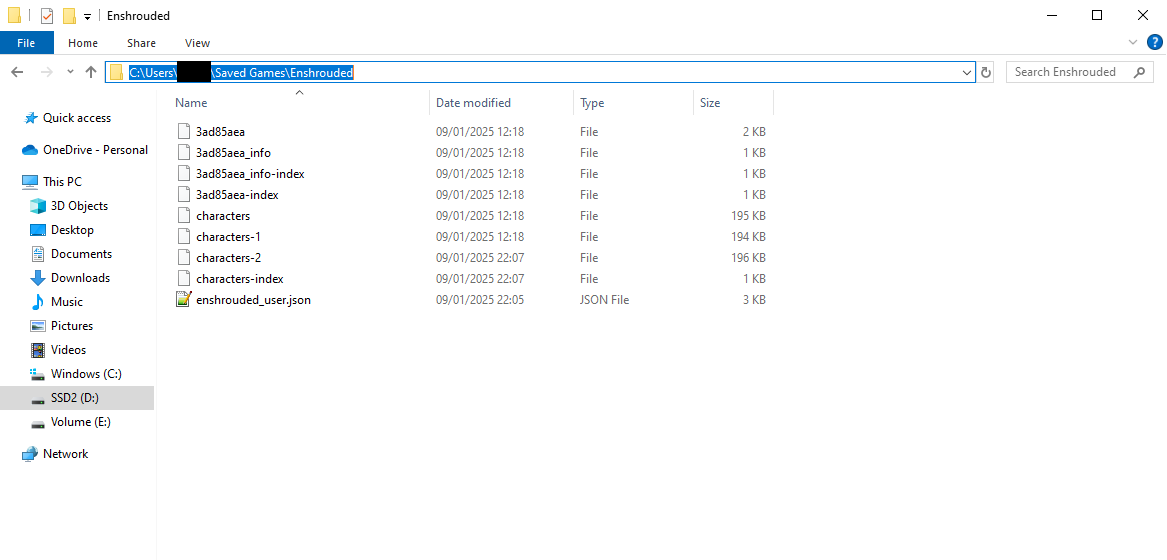
Open your Server Dashboard.
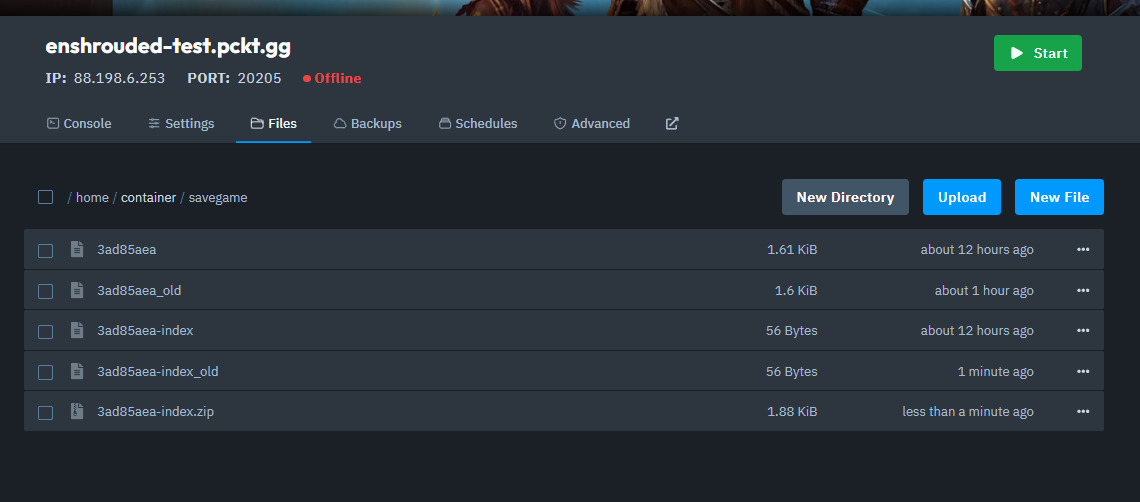
Navigate to the Files tab and open the savegame folder.
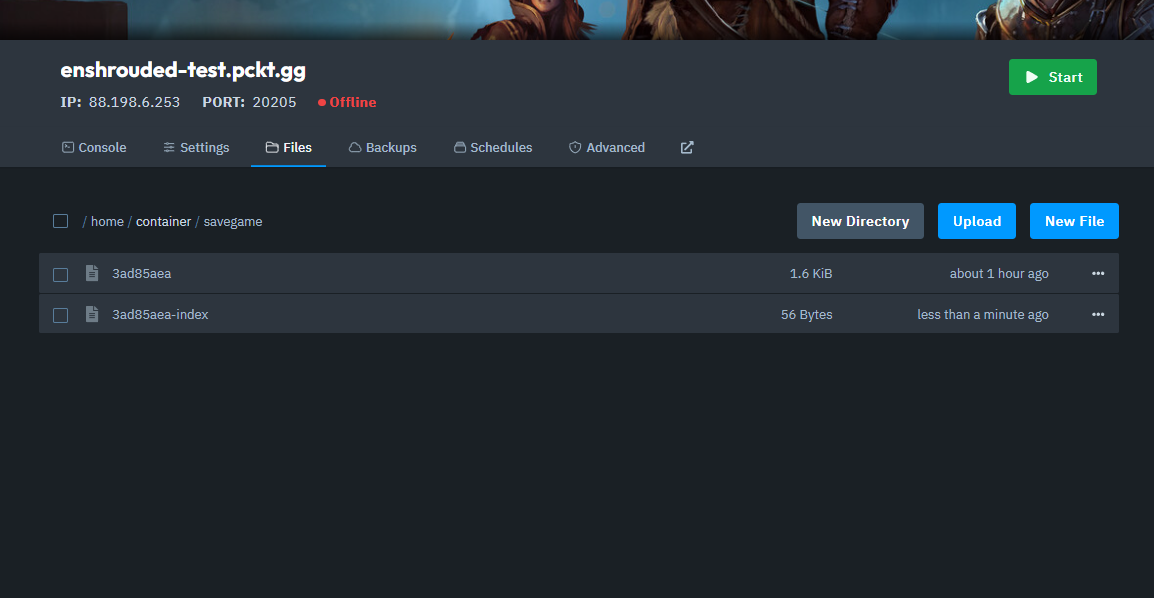
In the savegame folder, rename your current savefile and index file by adding _old to the end of their filenames.

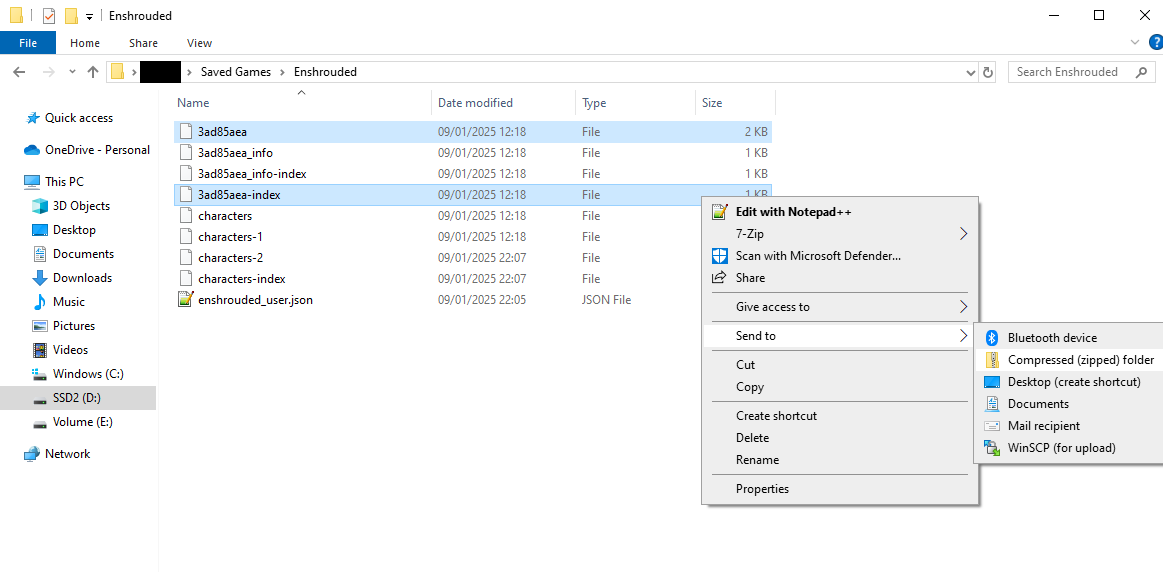
In your local save file folder, find the correct world file and index file.
To identify the correct files, check the modified date to see which world you used most recently.
Zip the world file and index file together.
In the server’s savegame folder, upload the .zip file you just created.

After uploading, unarchive the .zip file in the server’s savegame folder.
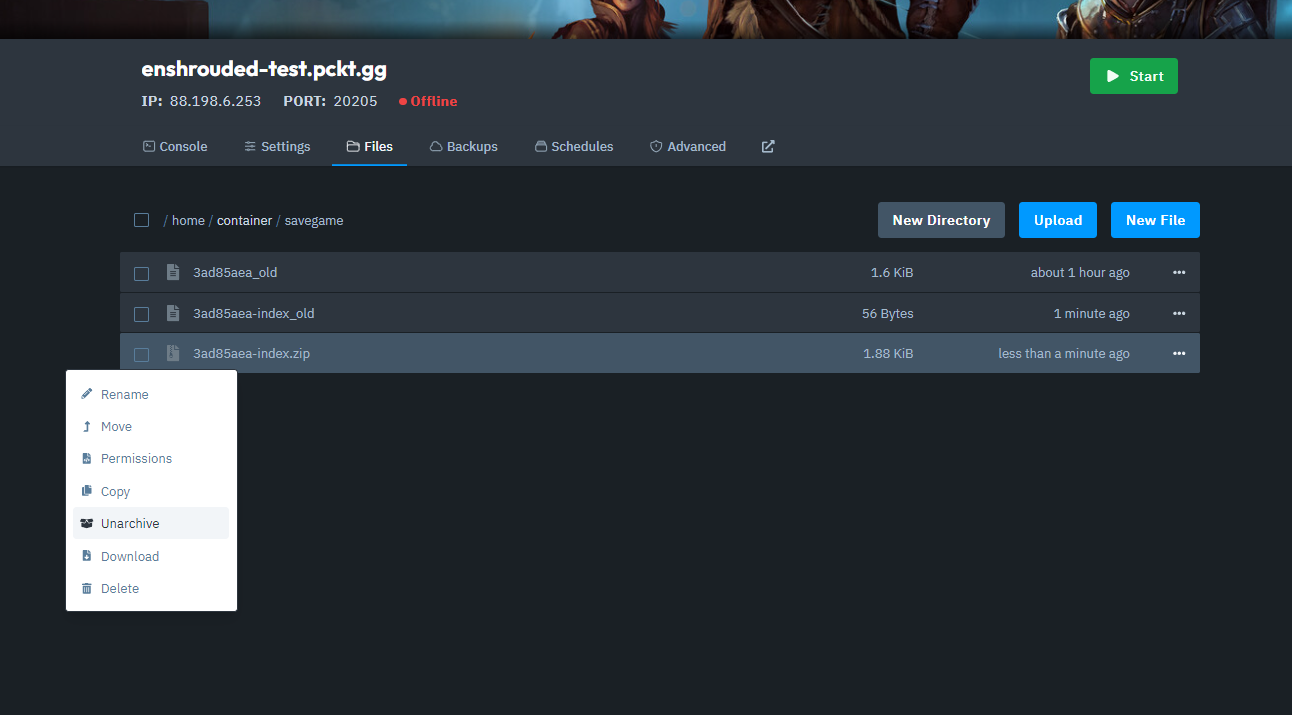
If your uploaded save files have a different name than the existing files (now ending in _old), rename the new files to match the original filenames without the _old extension.
And that's how you upload your save game to your Enshrouded server!