Open your Server Dashboard.
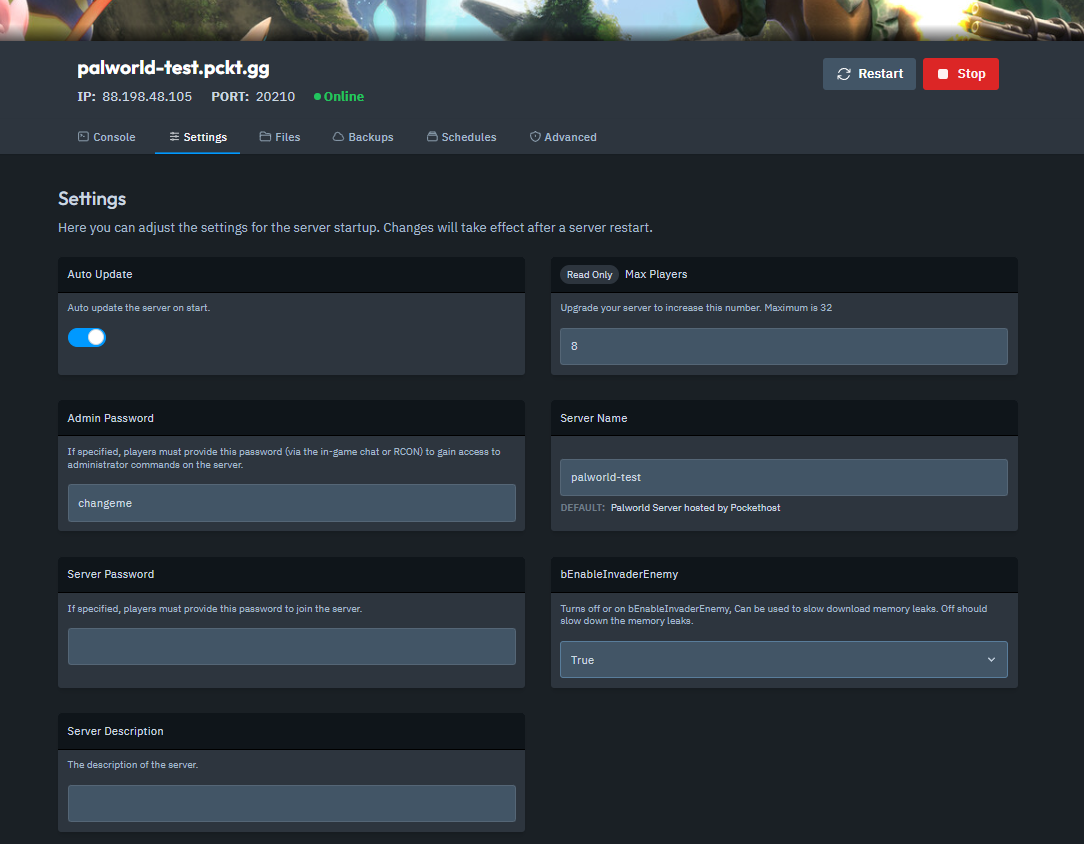
Navigate to the Settings tab.
Copy your Server Name.
Start Palworld.
Go to Join Multiplayer Game.
Click on the Community Server tab.
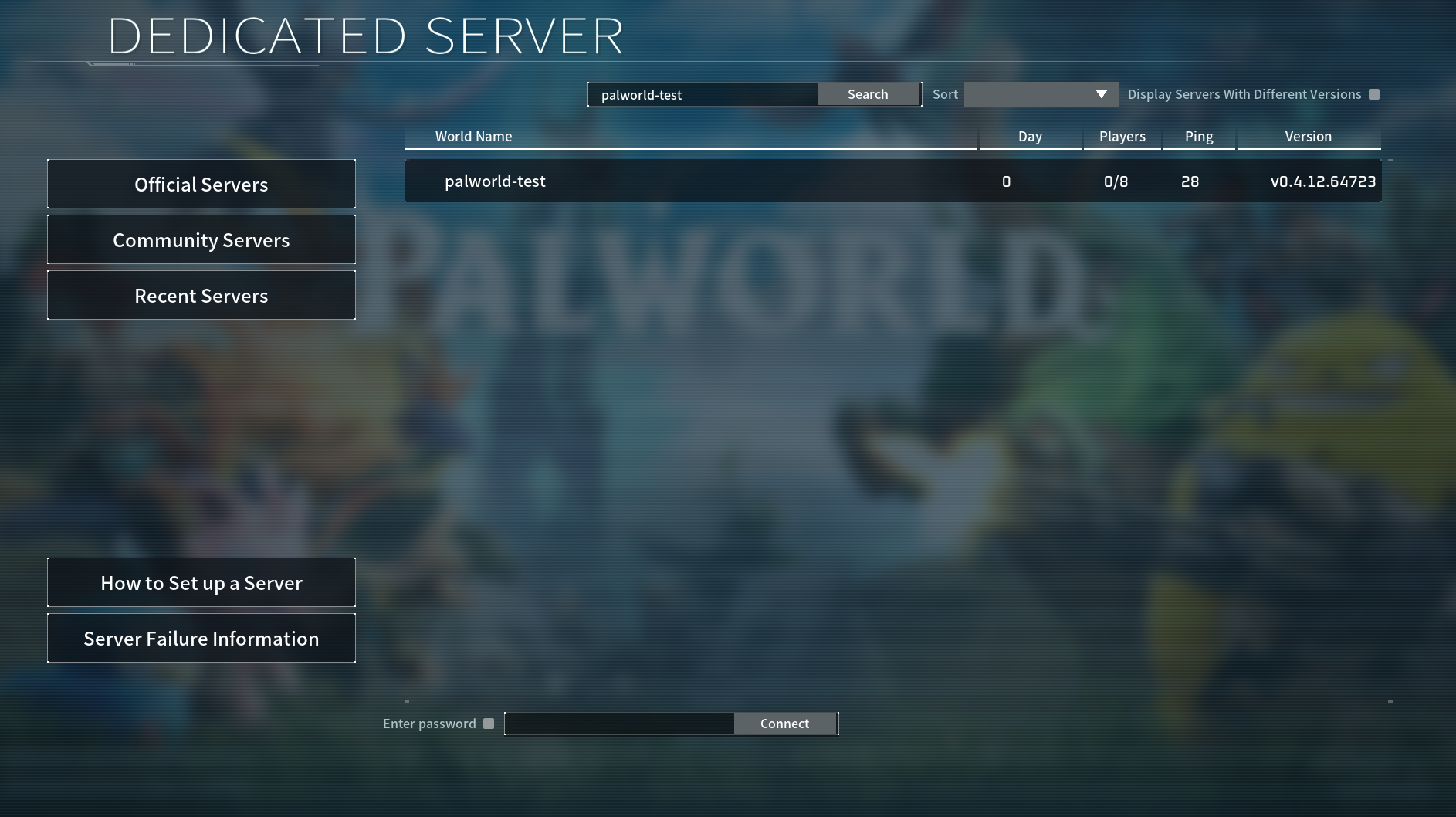
Enter your Server Name in the search bar.
Your server should appear in the list.
Click on it to connect.
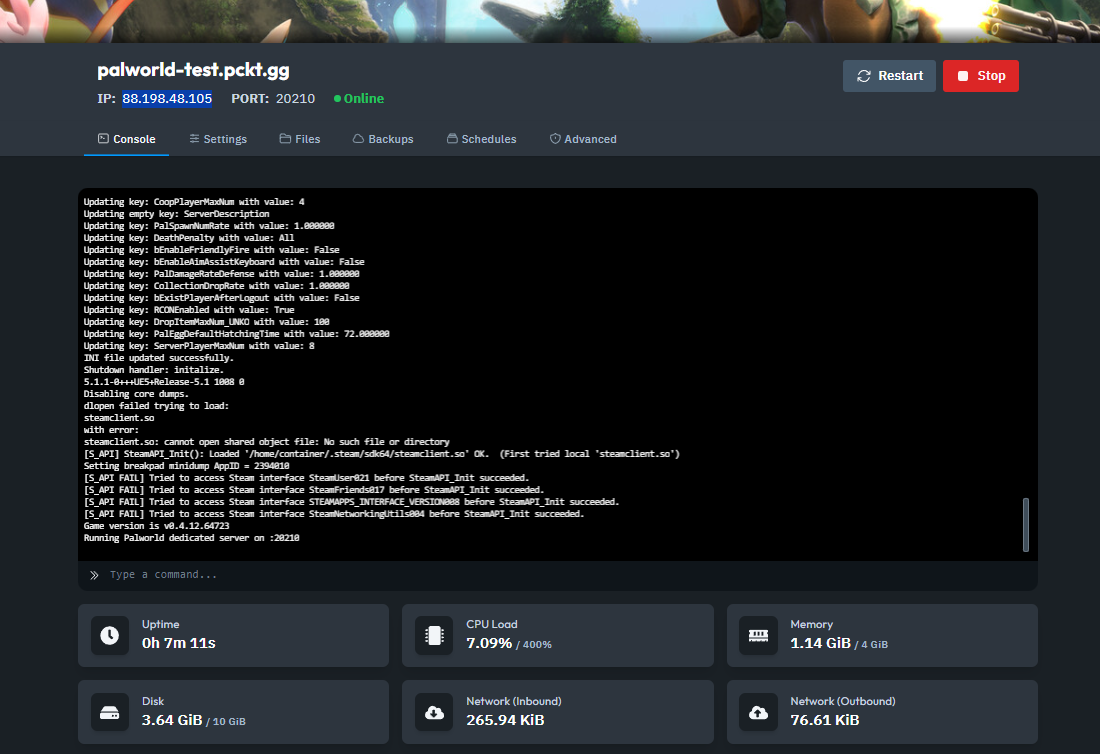
Open your Server Dashboard.
Copy your IP address and Port number.
Start Palworld.
Go to Join Multiplayer Game.
Click on the Community Server tab.
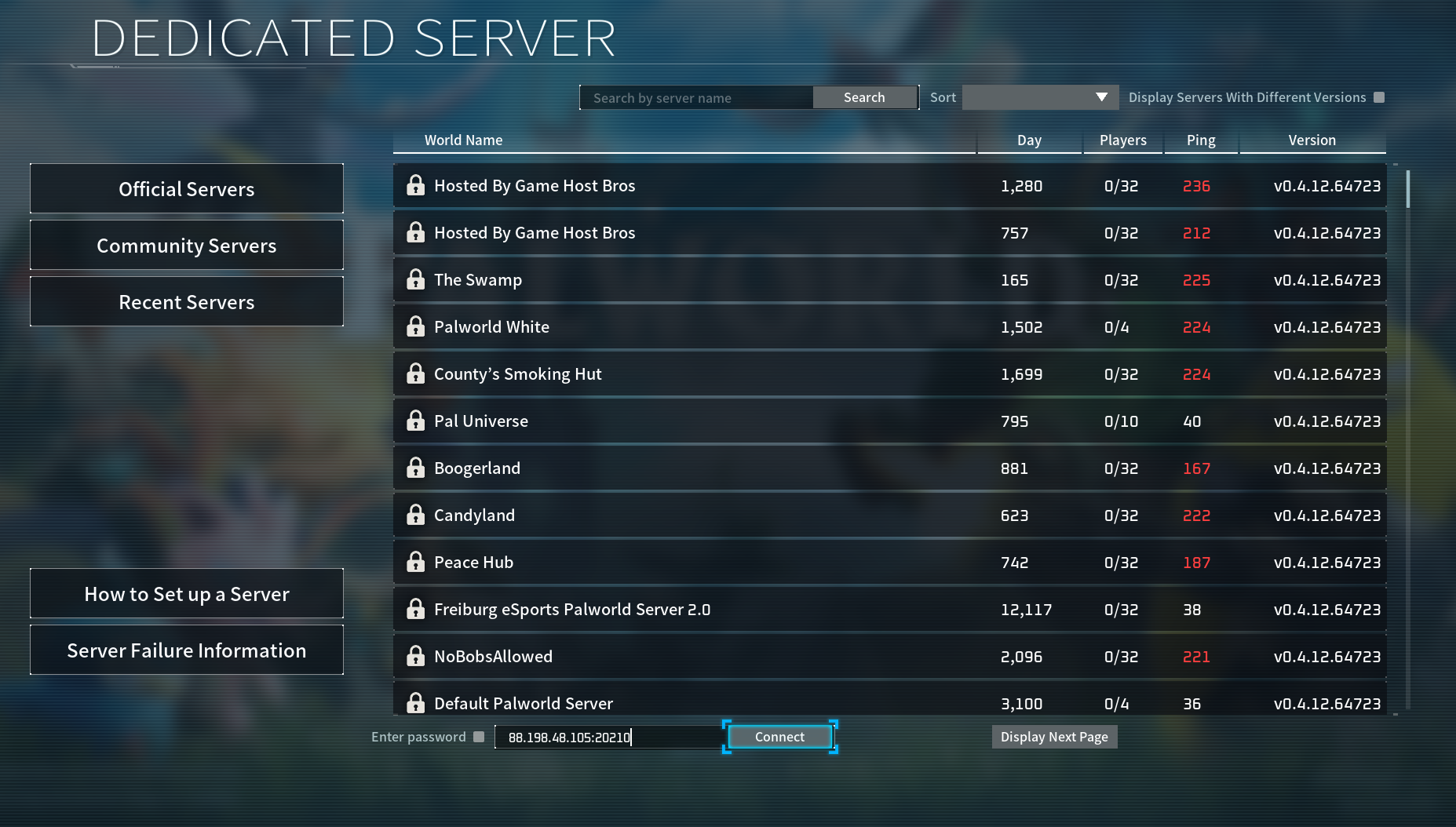
Scroll to the bottom of the Community Server tab.
Enter your IP address and Port number in the fields provided.
Click Connect.
If your server doesn’t show up:
Ensure your server is updated to the latest version.
Check that your game client is also on the correct version.
And that's how you connect to your Palworld server!