The best way to find resources for your server is by visiting the Releases section of the Cfx.re Forum.


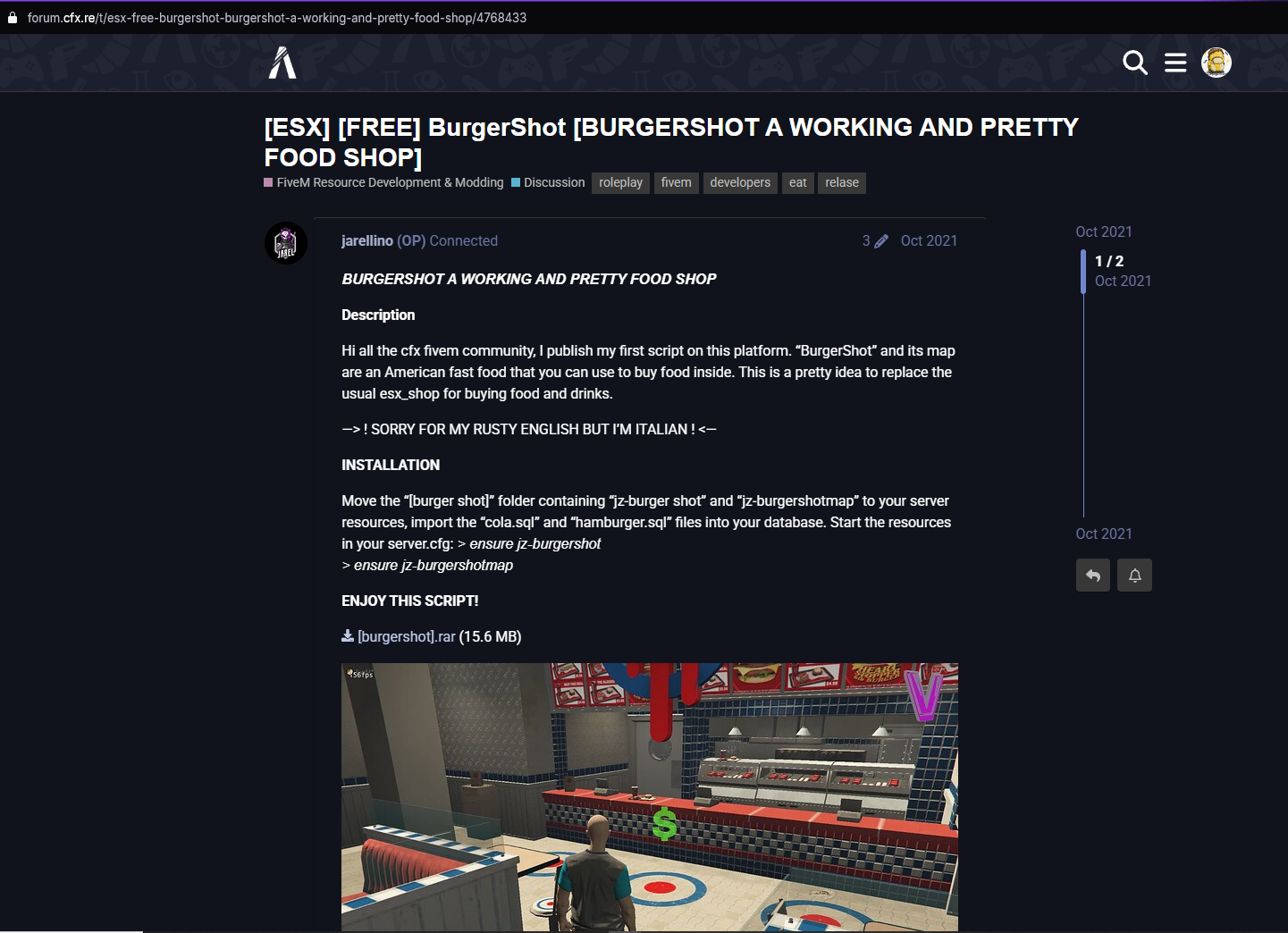
After downloading the resource files, compress them into a .zip file.
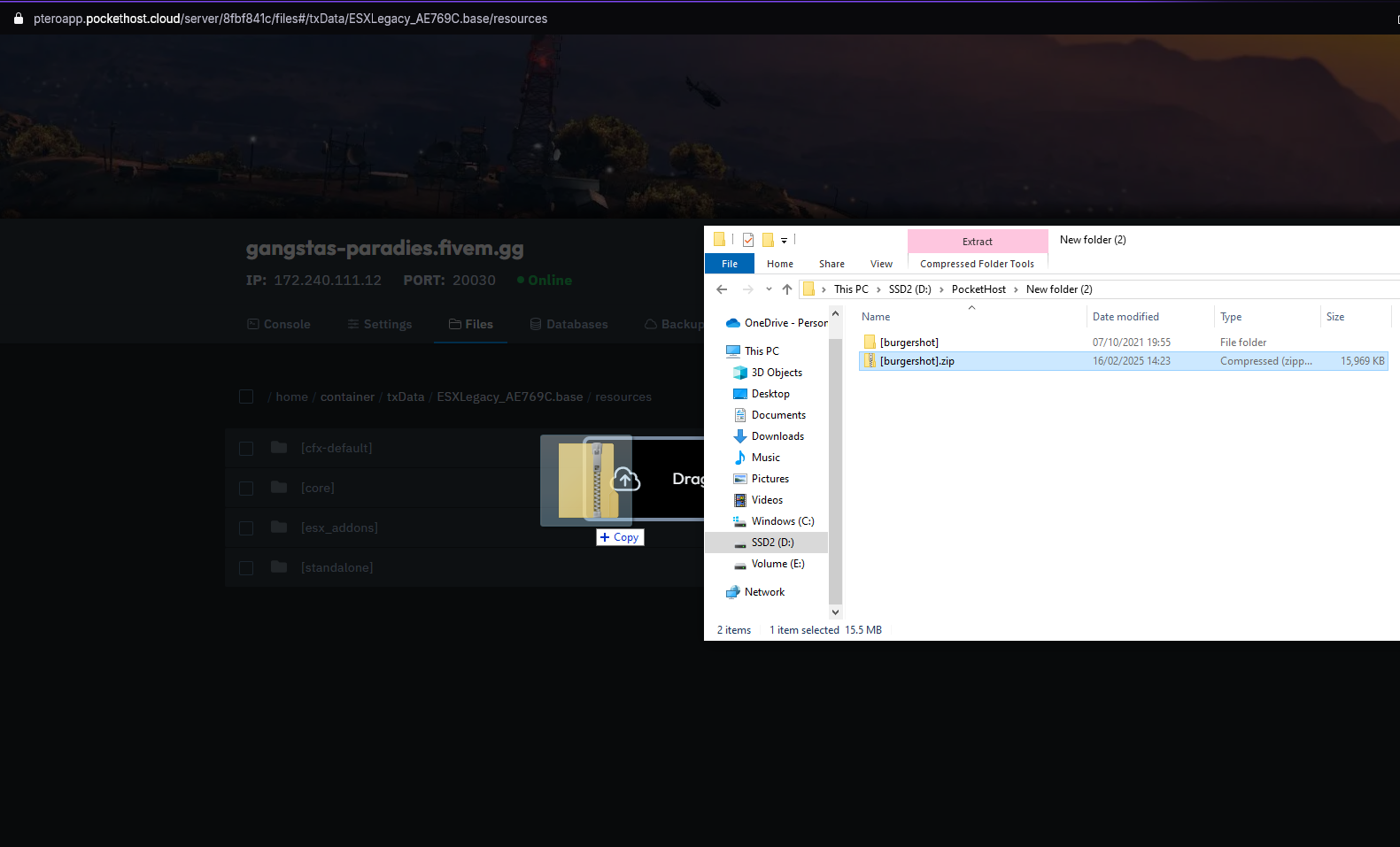
Upload the .zip file to the resources folder using the file manager or transfer the uncompressed files directly via SFTP.
If using the file manager, drag and drop the .zip file into the resources folder.
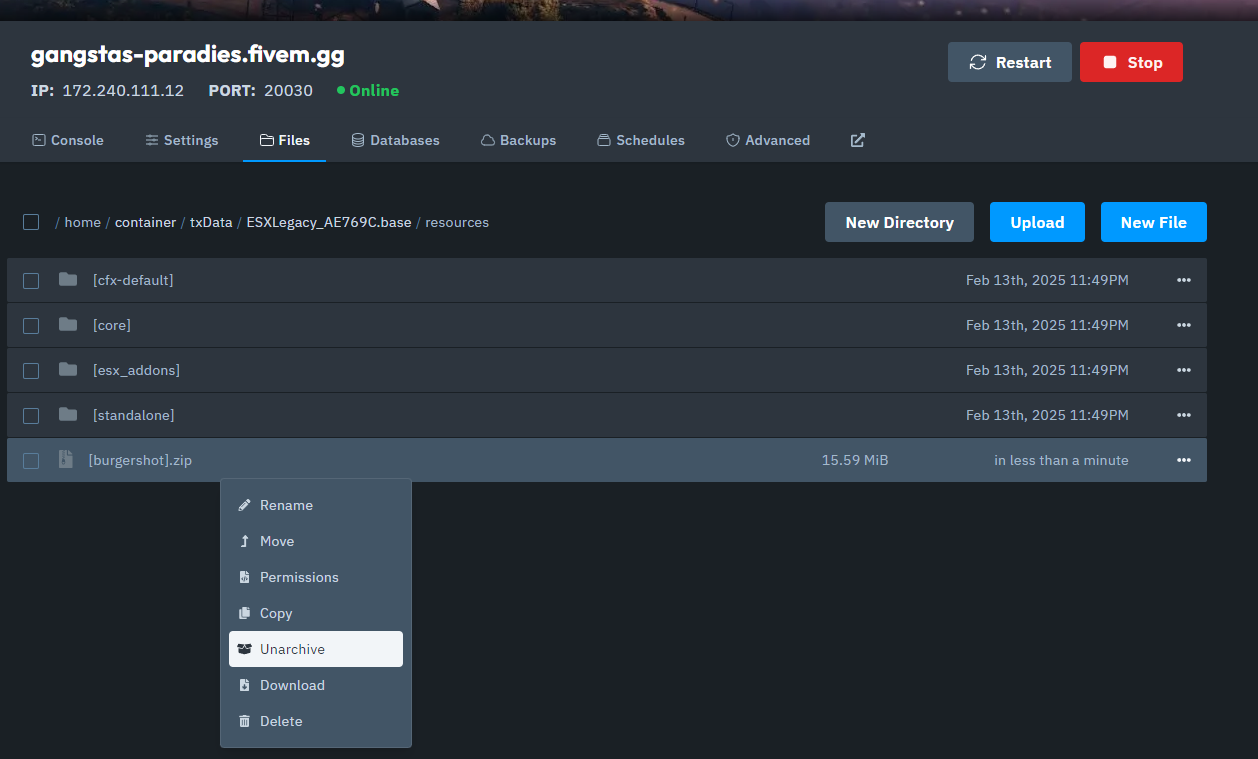
Use the 'Unarchive' action in the panel to extract the resource folder.
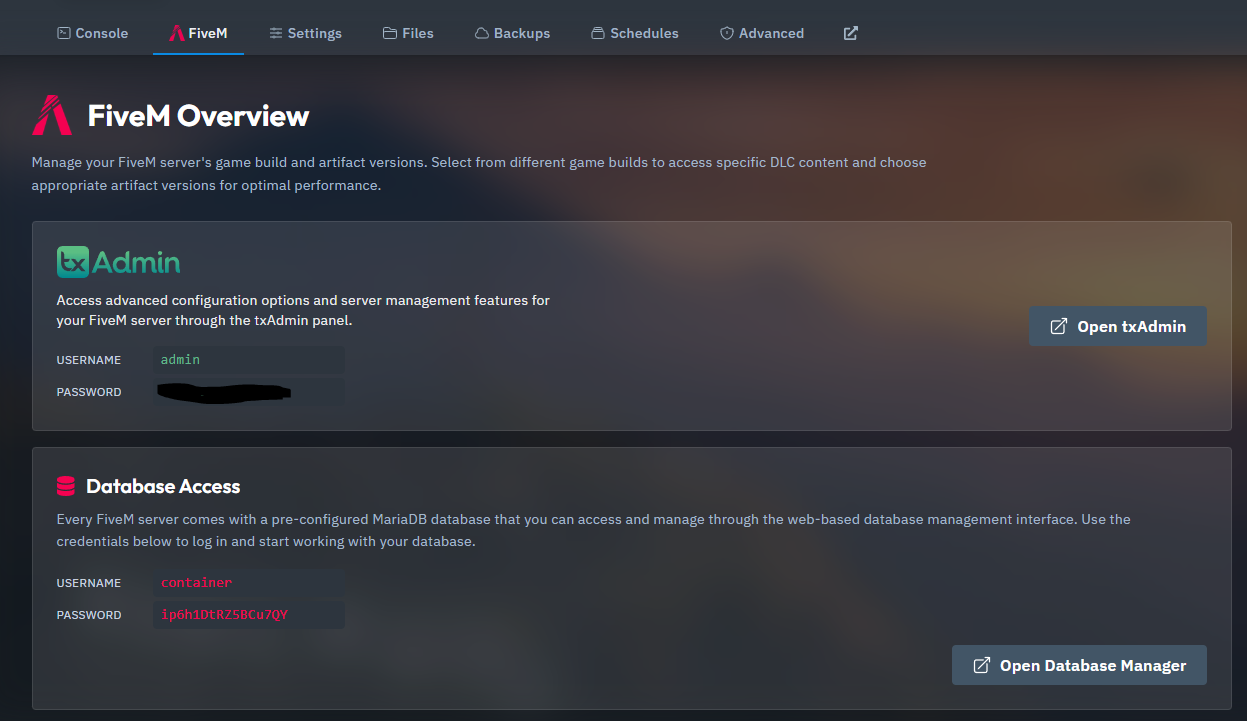
Connect to your database using the credentials found in the 'FiveM' tab.
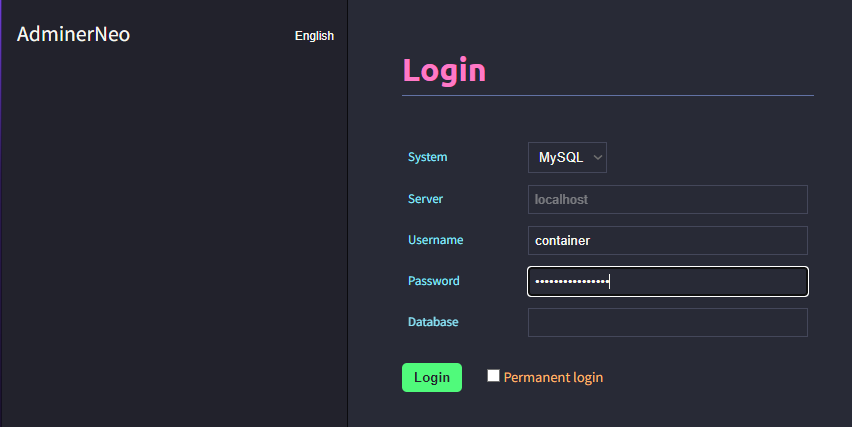
Import the database files into your database.
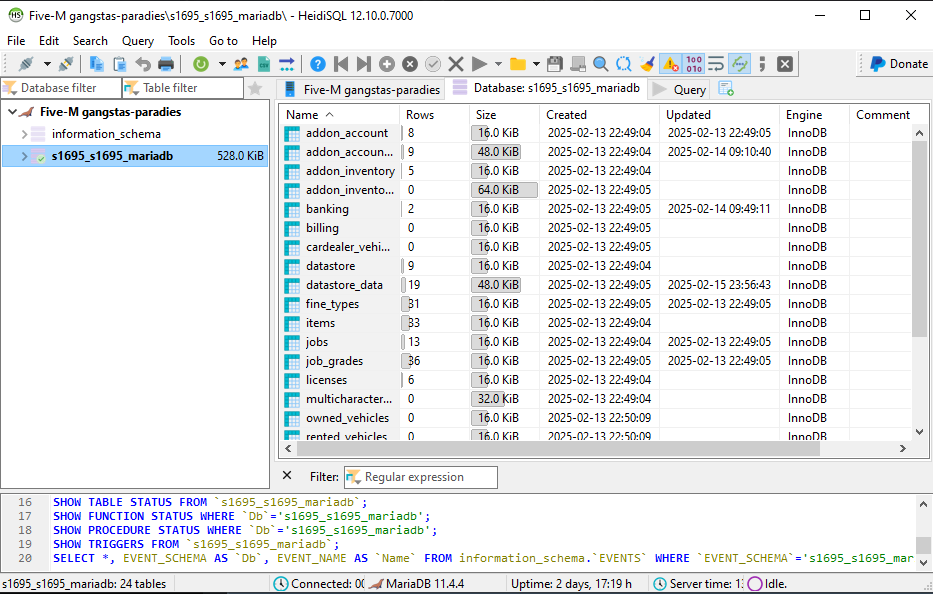
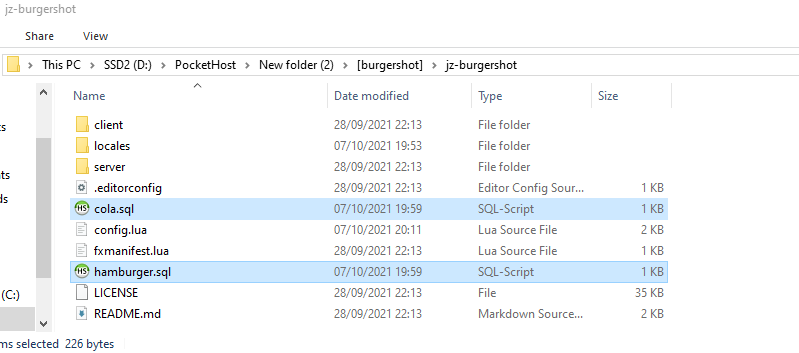
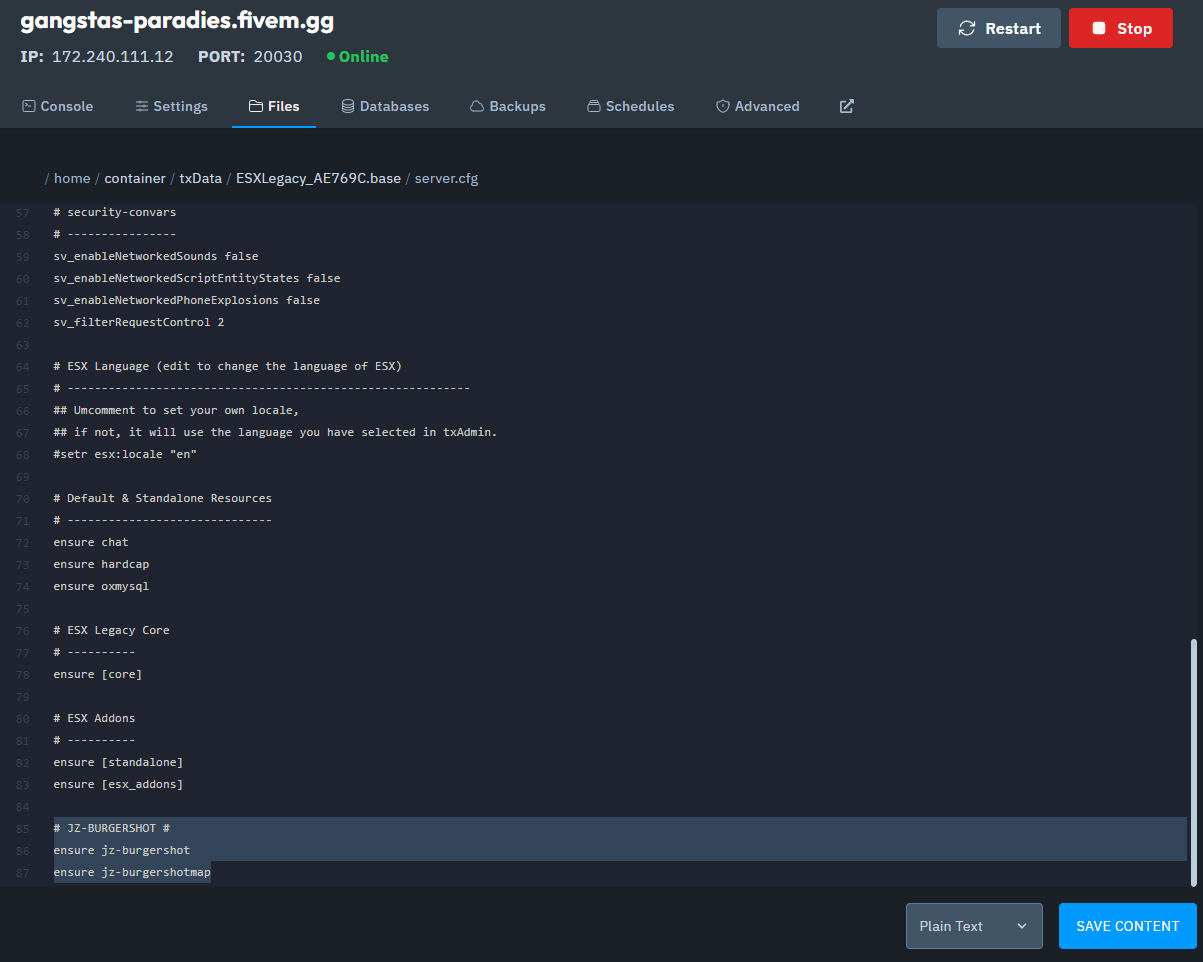
Open your server.cfg file using the File Manager and add the resources manually.
Or, you can use the CFG Editor in your txAdmin panel for a more streamlined approach.
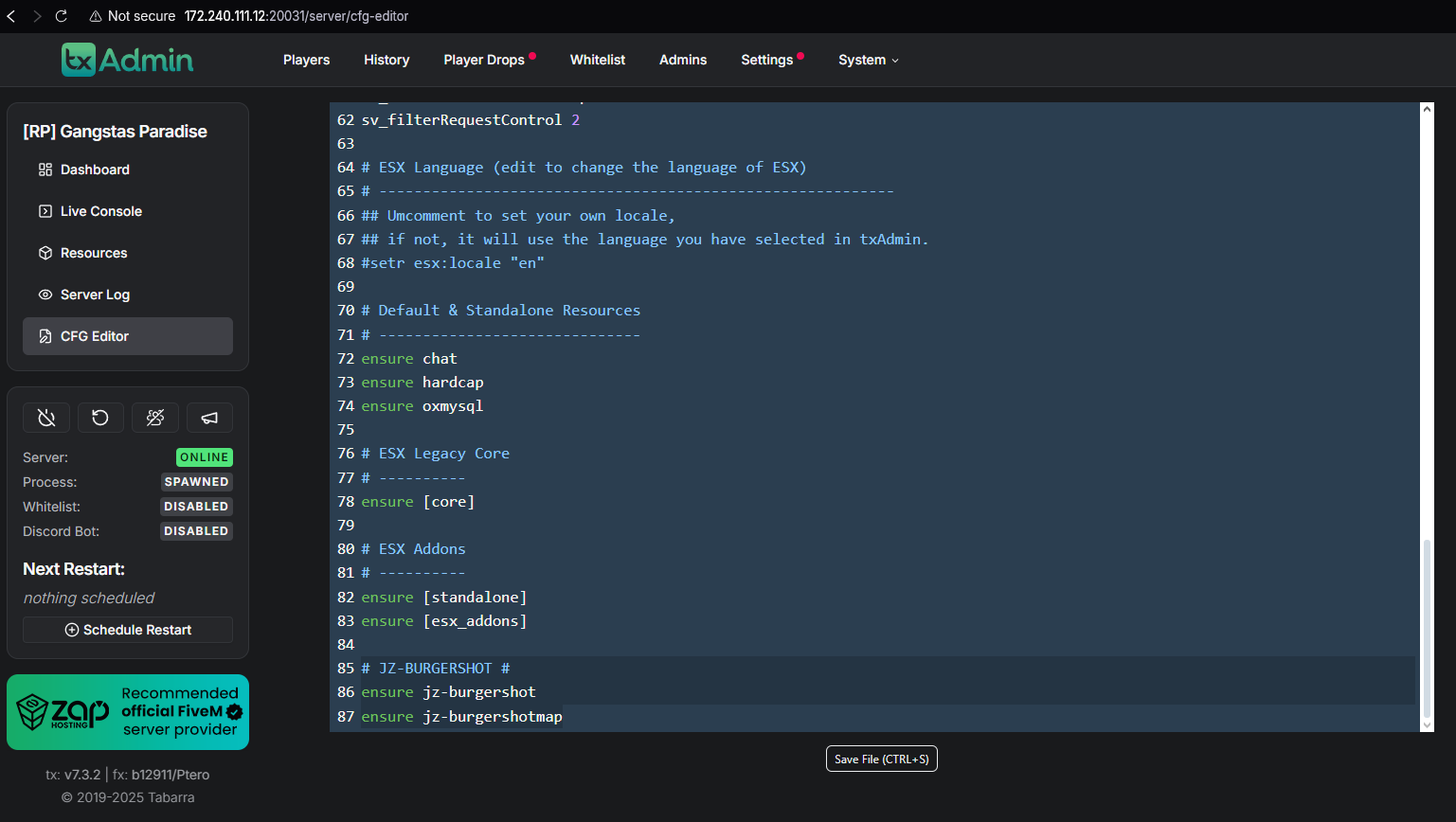
You can either restart the server or start the resources manually in the txAdmin Panel under the Resources tab.
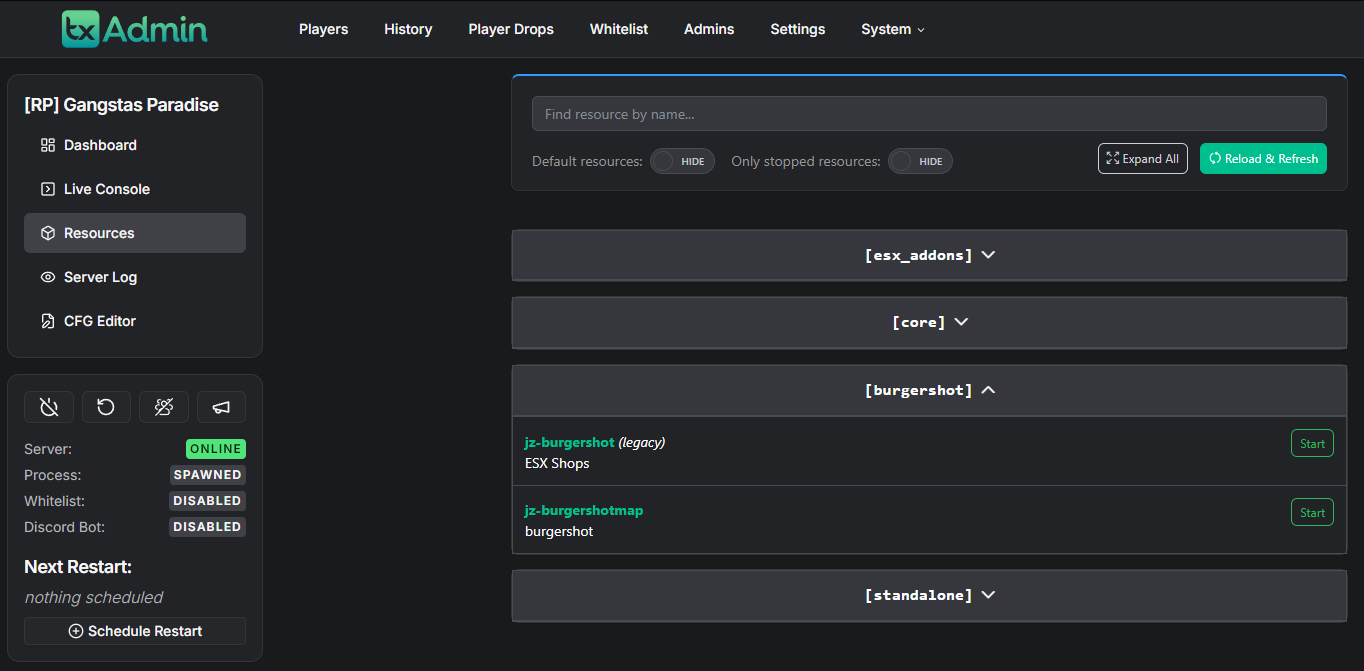
And that’s how you install resources on your FiveM server!
If you run into any issues or need assistance, please contact our support team.