SCUM servers can now send automated messages using Notifications.json. Use it for restart warnings, reminders, or server tips.
 File path:
/SCUM/Saved/Config/WindowsServer/Notifications.json
if the Notifications.json doesnt exist yet in your Files, create it:
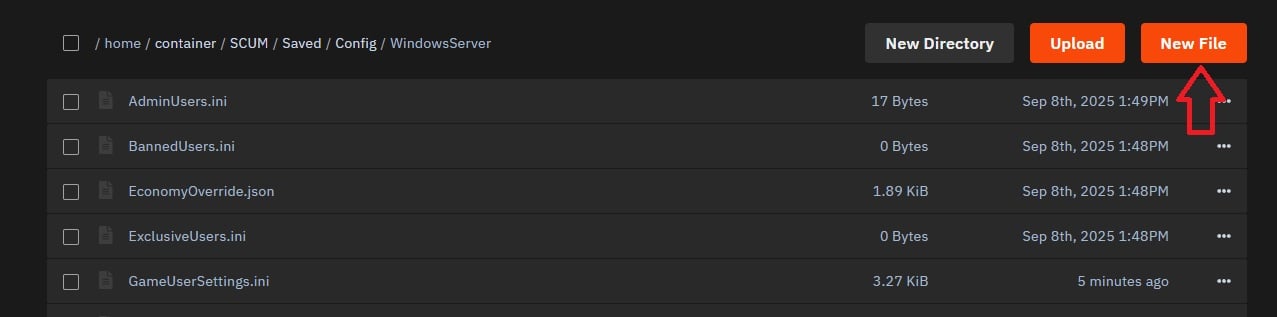
Click on “New File” and write your Notification in (you can change later) so the file will get created

Name the file correctly!! Notifications.json
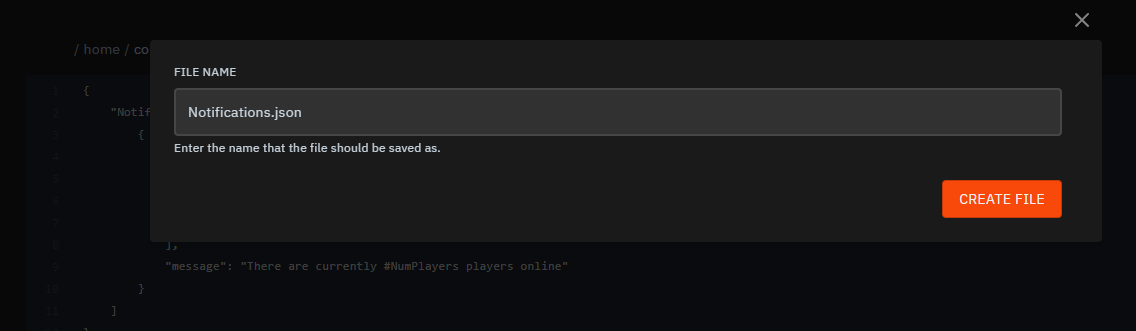
You will then See the file is created in
SCUM/Saved/Config/WindowsServer/
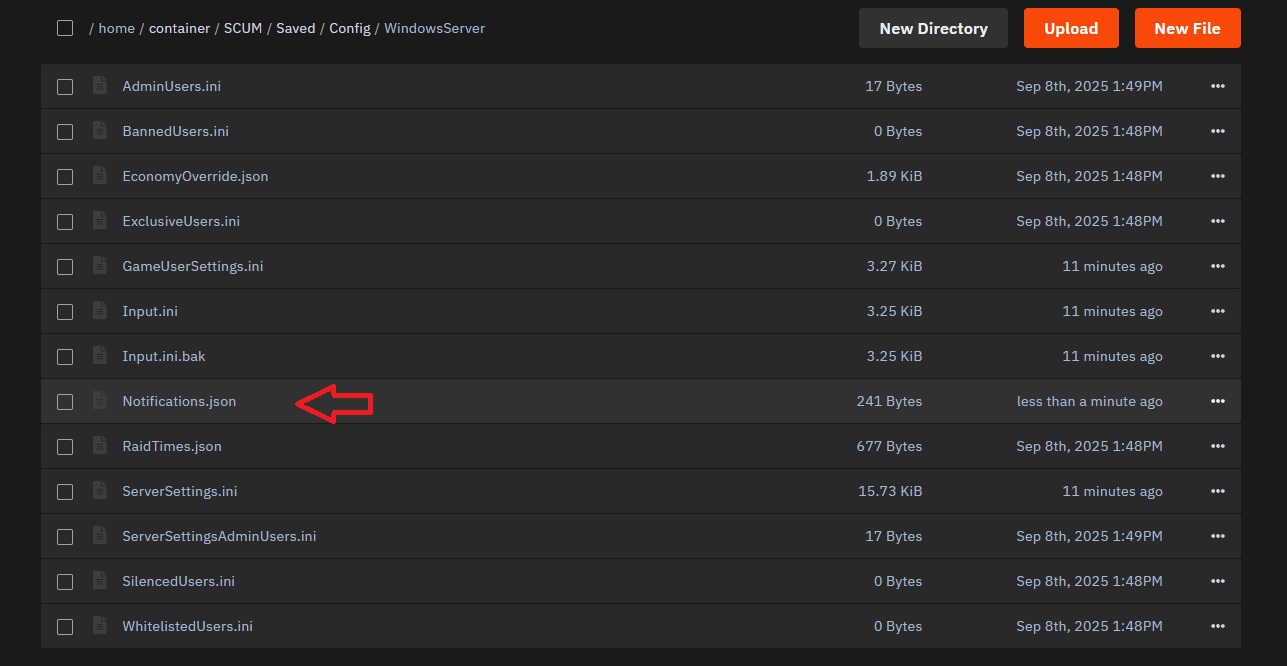
You are ready to paste your Notifications in this file! Make sure to check if the json is valid, you can use this website for it: https://jsonlint.com/
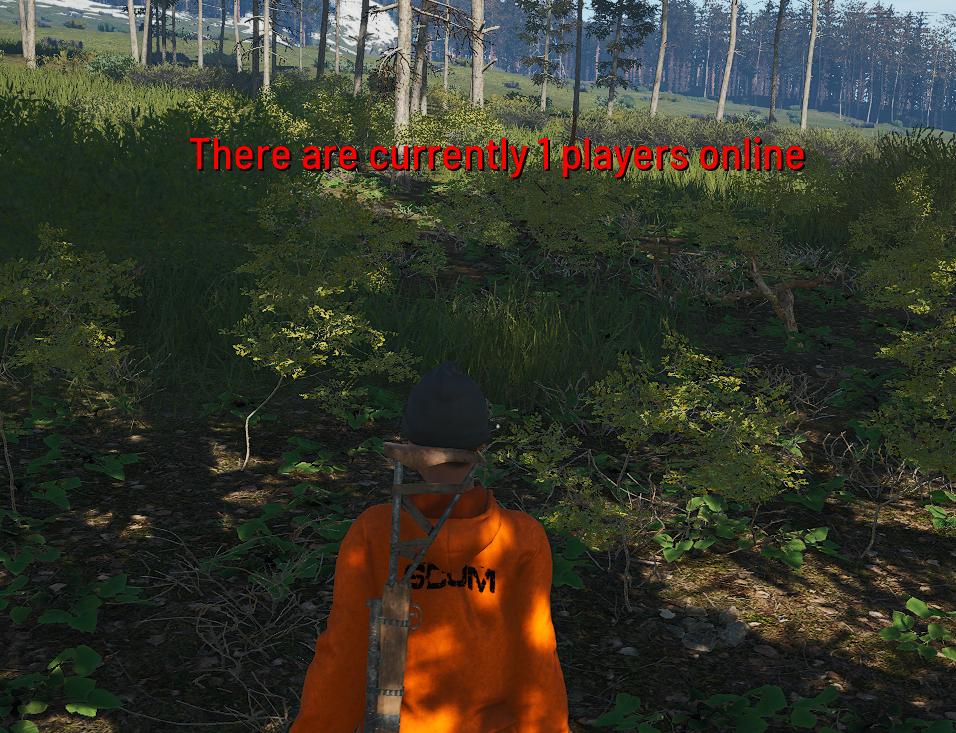
save the file and restart the server, now all should be displayed at the given times!
{
  "Notifications": [
    {
      "day": "Everyday",
      "time": ["15:12", "11:14"],
      "message": "There are currently #NumPlayers players online"
    },
    {
      "day": "Tuesday",
      "time": "11:17",
      "duration": "5",
      "color": "125-225-150",
      "message": "Tuesday reminder with a greenish color"
    }
  ]
}
day – When it appears
"Monday", "Tuesday" / "Monday to Friday" / "Weekend" / "Everyday"
time – When it runs
"7:00" / ["15:12","11:14"] / "14:00-15:00" (every minute)
duration – Visible time in seconds ("10")
color – RGB text color ("255-0-0" = red)
wait – Repeat interval in minutes ("2")
message – Shown text (supports placeholders)
#NumPlayers – current online count
#Date – server date
#Time – server time
#RestartIn(HH:MM) – countdown
#RestartAt(HH:MM) – fixed restart time
 Pro Tip: Check the log file in /SCUM/Saved/Logs if the times are not working correctly, look at the Time Stamps in the log, to see what time zone the server takes for calculation.