Stop your Server
Head over to the world1 folder located in /container/save-data/Saves/v4

Delete or Archive all Files

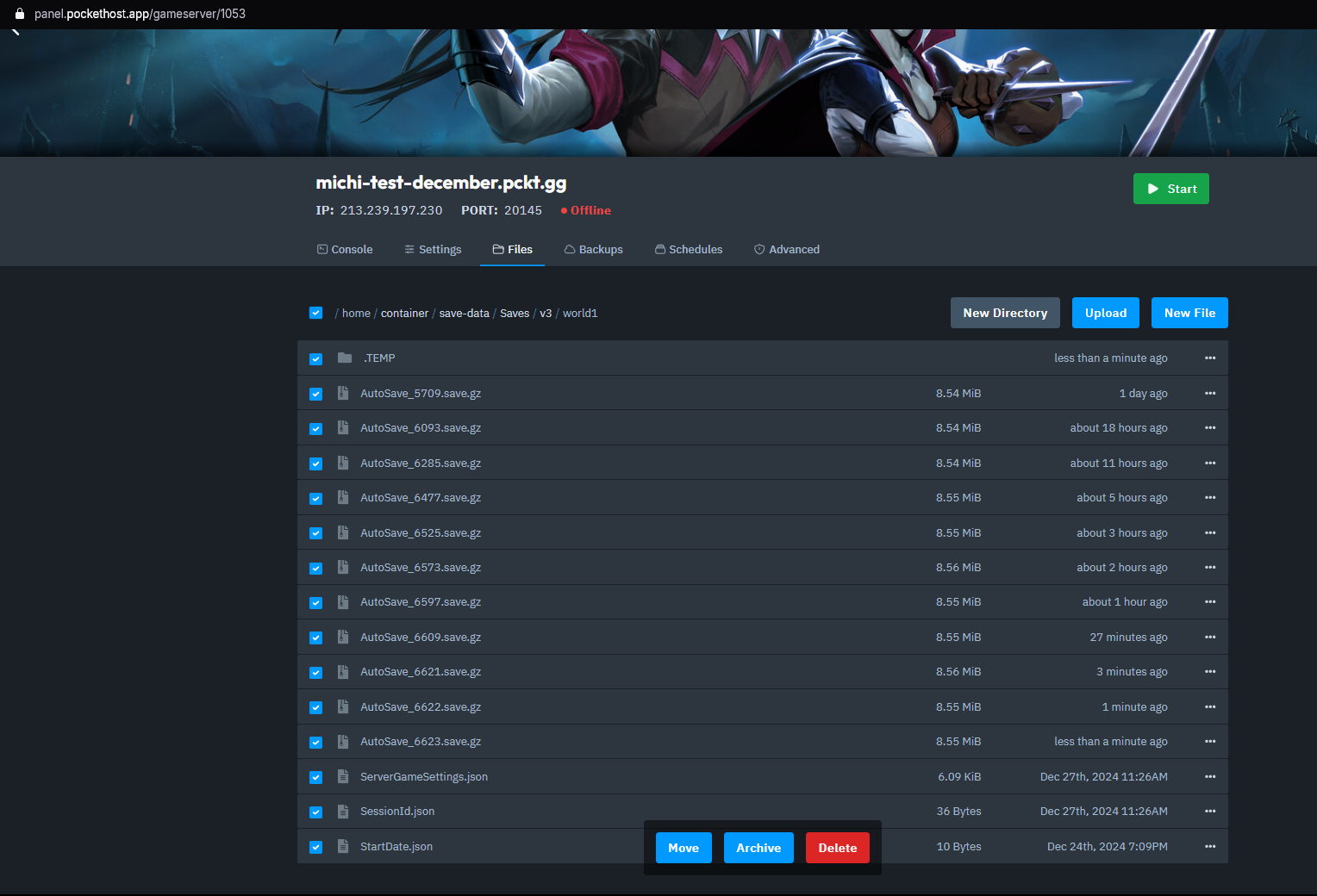
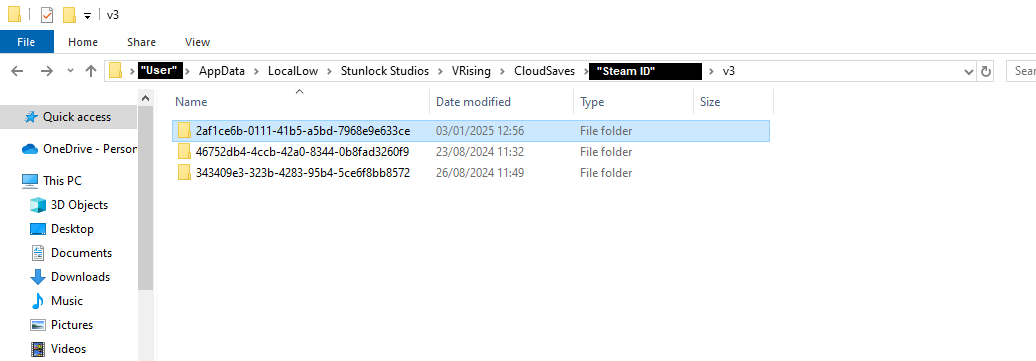
Find your Local Save Game. Depending if you have Cloud Save active or not it should be in the following direction:
Cloud Save: Users\"User"\AppData\LocalLow\Stunlock Studios\VRising\CloudSaves\"Steam ID"\v3
Local Save:Users\”User”\AppData\LocalLow\Stunlock Studios\VRising
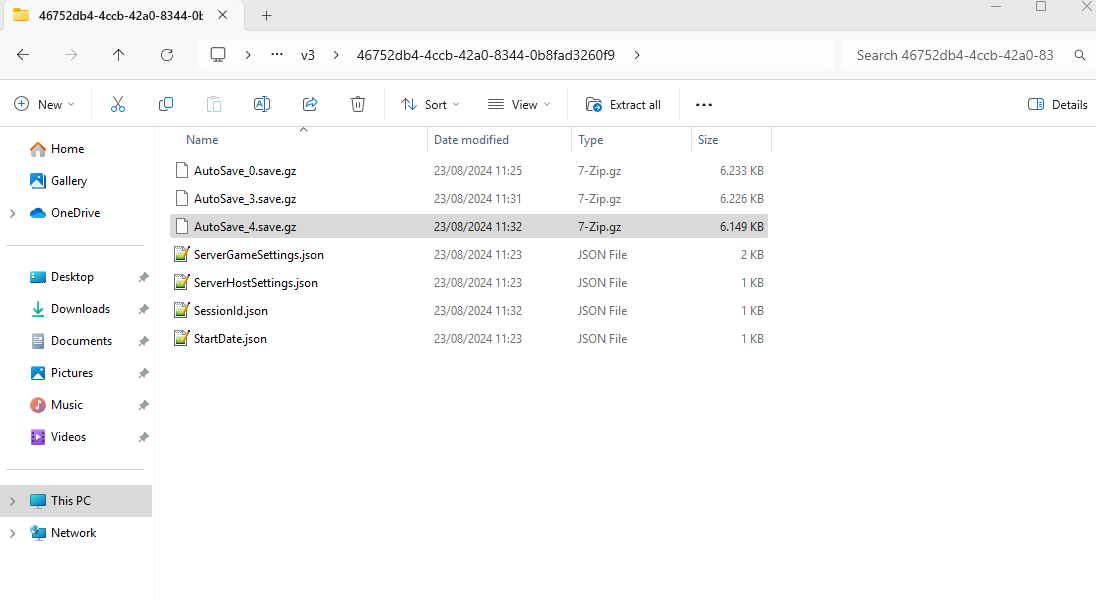
Enter the Save Game folder and find the latest AutoSave.save.gz
Drag the AutoSave.save.gz into your world1 folder which you cleared in Step 2.
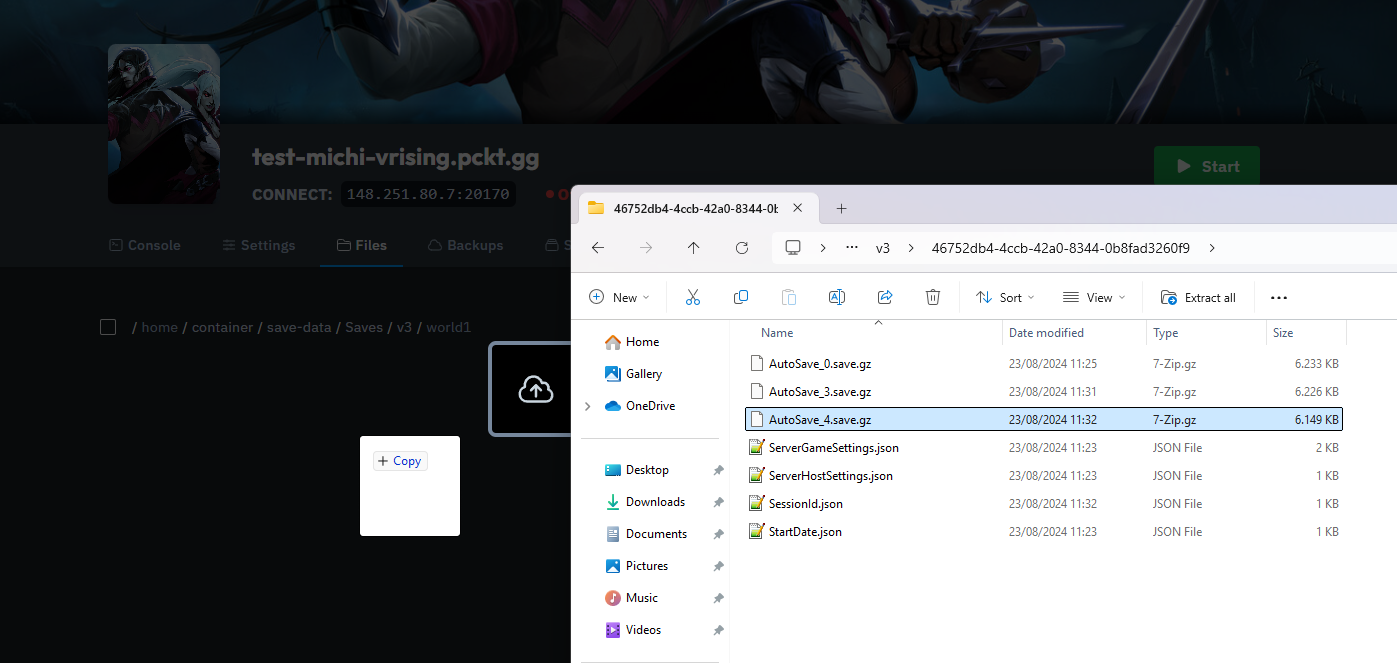
And that’s how you upload your local save file to your dedicated V Rising Server!